Assembly and function
74
UF 01 DB 238. 07.04
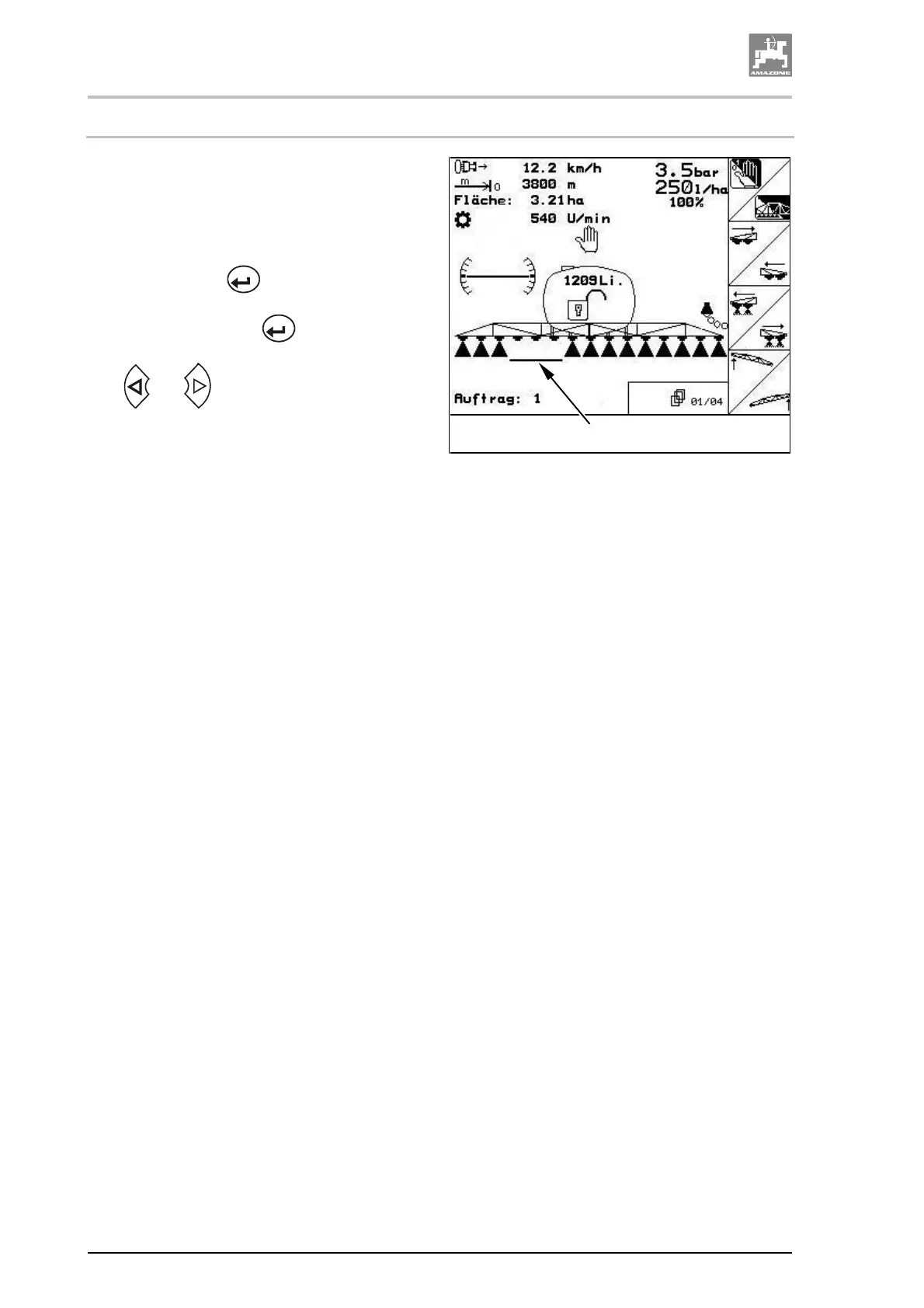
4.9.7.7 Explanations for the function "Selection of individual boom sections"
If the function "Selection of individual boom sec-
tions" is switched on a horizontal bar (Fig. 65/1)
will additionally appear underneath the boom
section in the menu operation. The boom section
identified by the horizontal bar (Fig. 65/1) (in this
case switched on) can be switched on and off at
random via the key
, e.g. for spraying weed
windows. You can switch on or off any desired
boom section via the key
when you move
the horizontal bar (Fig. 65/1) accordingly via the
keys
and .
Fig. 65
1



 To Next Page