Assembly and function
UF 01 DB 238. 07.04
83
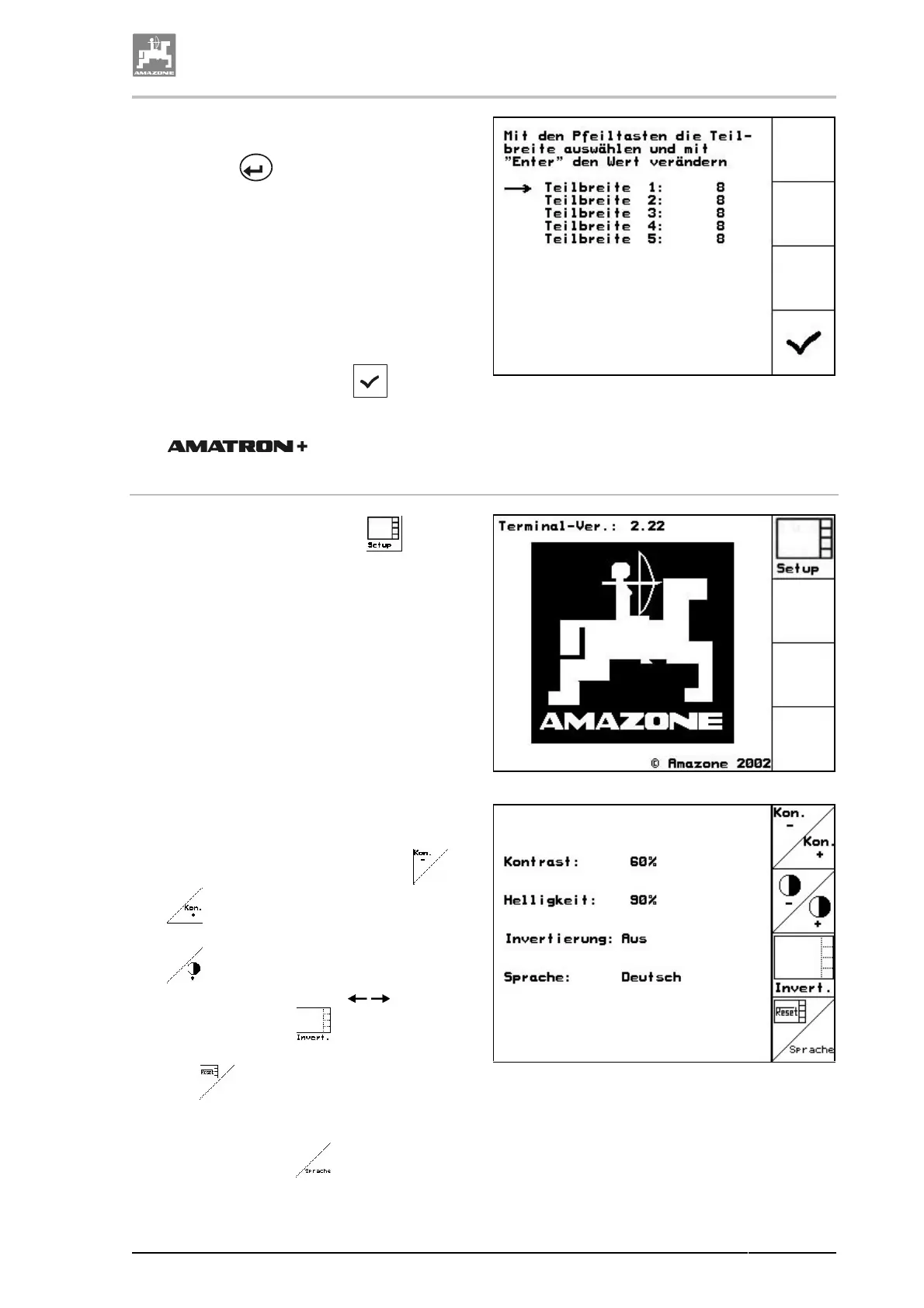
1. Select the desired boom part width section.
For this see "Selection of options", page 59.
2. Press key .
→
The display changes to the entering "Please
enter number of nozzles for boom section
1".
3. Enter the number of nozzles for boom sec-
tion 1 for your spray line. Please refer to
chapter "Entering of text and figures", page
59 and chapter "Spray lines", page 133.
4. Repeat the steps 1 to 3 until you have en-
tered the number of nozzles for all boom
sections.
5. Actuate the functional field
, to take
the number of nozzles for the individual
boom sections over into the
.
Fig. 80
4.9.8.2.6 Terminal-Setup
1. Recall via the functional field the en-
tering "Display settings".
Fig. 81
Via the entering "Display setting" you can
change:
• the contrast via the functional fields or
.
• the brightness via the functional fields or
.
• inverting the display black white via
the functional field
.
• deletion of the stored data via the functional
field
. Please refer to chapter "Menu
setup", page 79.
• the language of the operator terminal via
the functional field
.
Fig. 82



 To Next Page