Assembly and function
UF 01 DB 238. 07.04
77
4.9.8 Menu setup
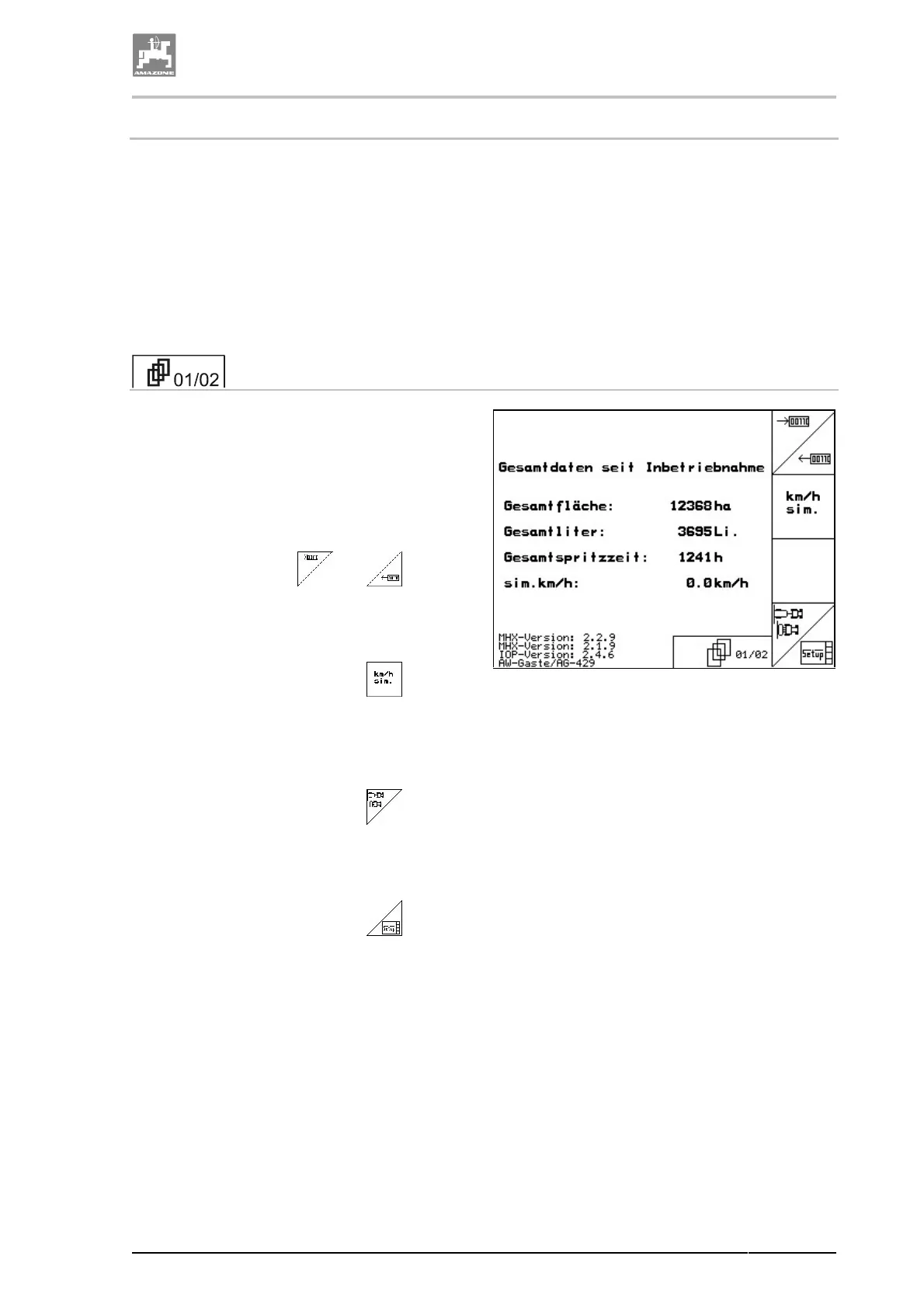
The menu setup provides
• the input and output of diagnosis data for
the service staff for maintenance or in case
of troubles.
• the change of settings for the display.
• the recalling and entering of implement
basic data or the switching on or off of spe-
cial options (for the service staff only).
The first page shows the total data since the
operation has been started for
• worked total area in [ha].
• totally sprayed spray cocktail in [litres].
• total spraying operation of the field sprayer
in [h].
• The function fields and are pro-
vided for the input and output of diagnosis
data and are reserved for the customer ser-
vice only.
• Recall via the functional field the input
for a simulated speed "sim. k.p.h" in case of
a defect distance sensor. Please refer to
chapter "Entering simulated speed", page
79.
• Recall via the functional field the sub-
menu implement basic data. Please refer to
chapter "Entering machine basic data",
page 80.
• Recall via the functional field the Ter-
minal-Setup. Please refer to chapter "Ter-
minal-Setup", page 84.
Fig. 68



 To Next Page