User Manual
43
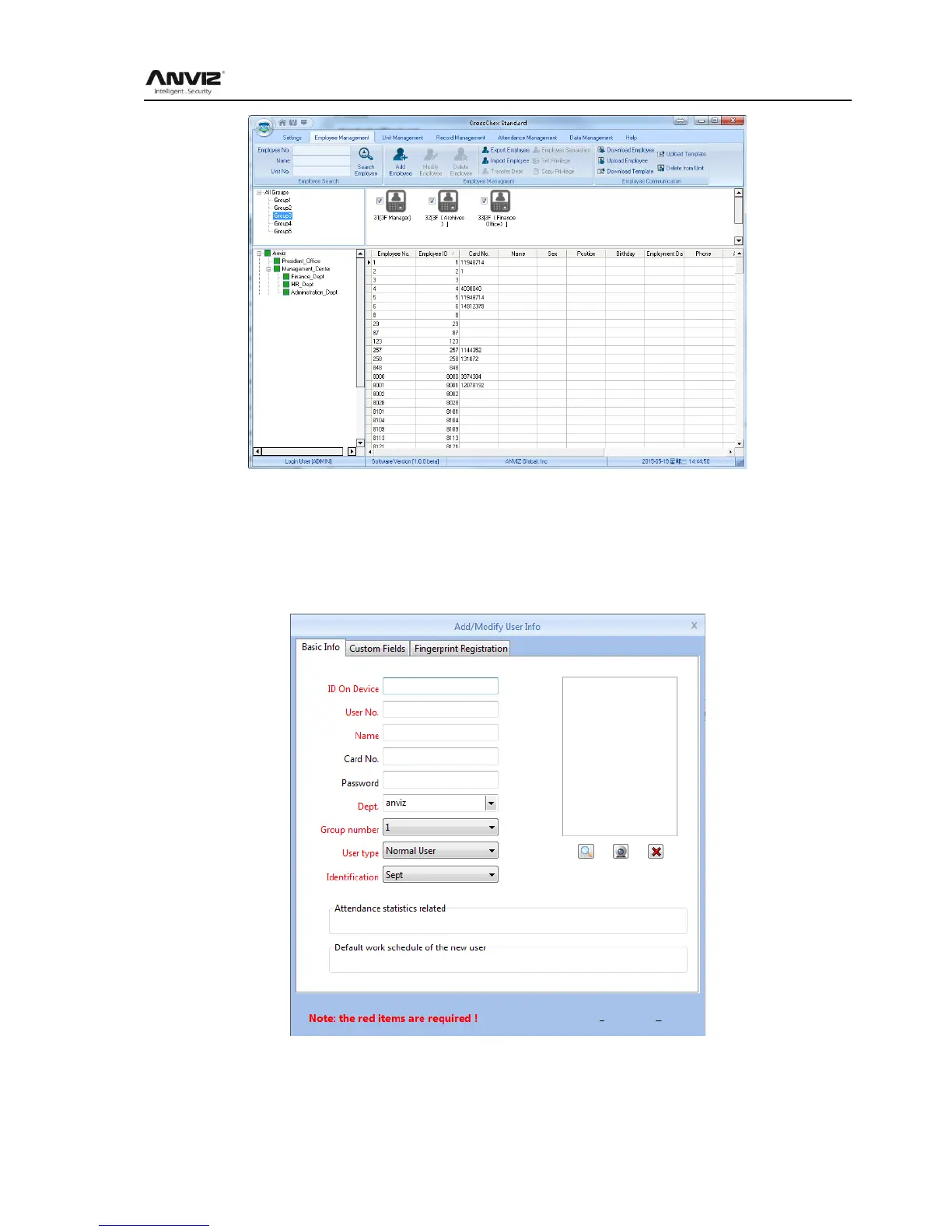
In the upper left corner of the user management menu, you can search user by clicking
【Search User】 button through entering user number and name. And you can click the other
menus to modify, delete, upload, download and other operations for the user you selected.
5.3.1 Add user
Click menu 【Add】 , pops up Add / Modify User Info form:
1、 You can enter user information according to the field of this information form, the red field is
a required field
2、 ID On device support 8 digit number, User No. support 20 digit number.



 To Next Page