User Manual
70
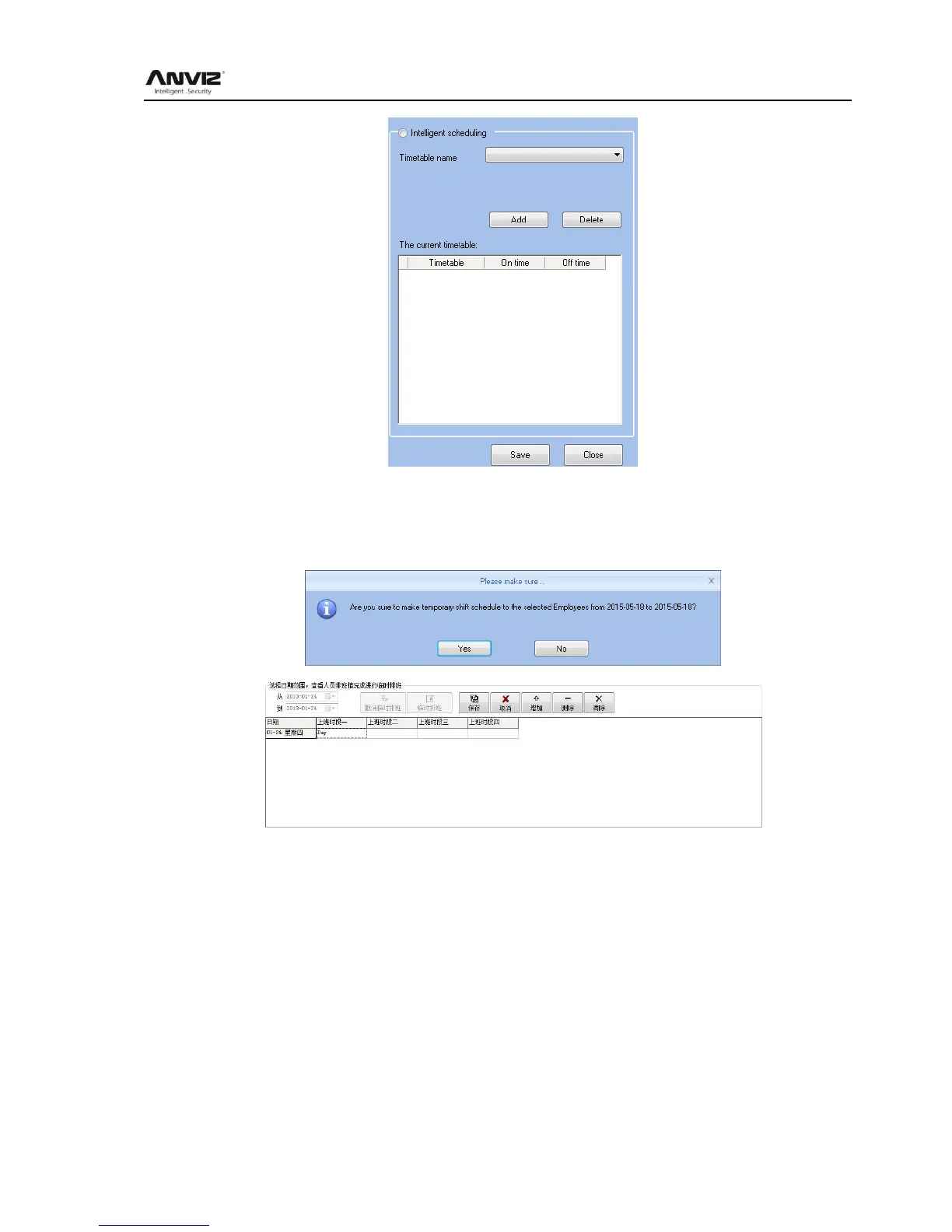
Choose timetables from timetable name, hit 【add】, the timetable will show at The current
timetable then to realize the current record.
Temporary: when a staff need to add a temporary, then hit add temporary
Hit 【yes】, then hit 【Add】 to open [Add a temporary timetable



 To Next Page