SECTION 5 YOUR ARMOR X7 SOFTWARE PAGE 104
EXPORT CONTROLLED – SEE PAGE 3
Pen and Touch Utility
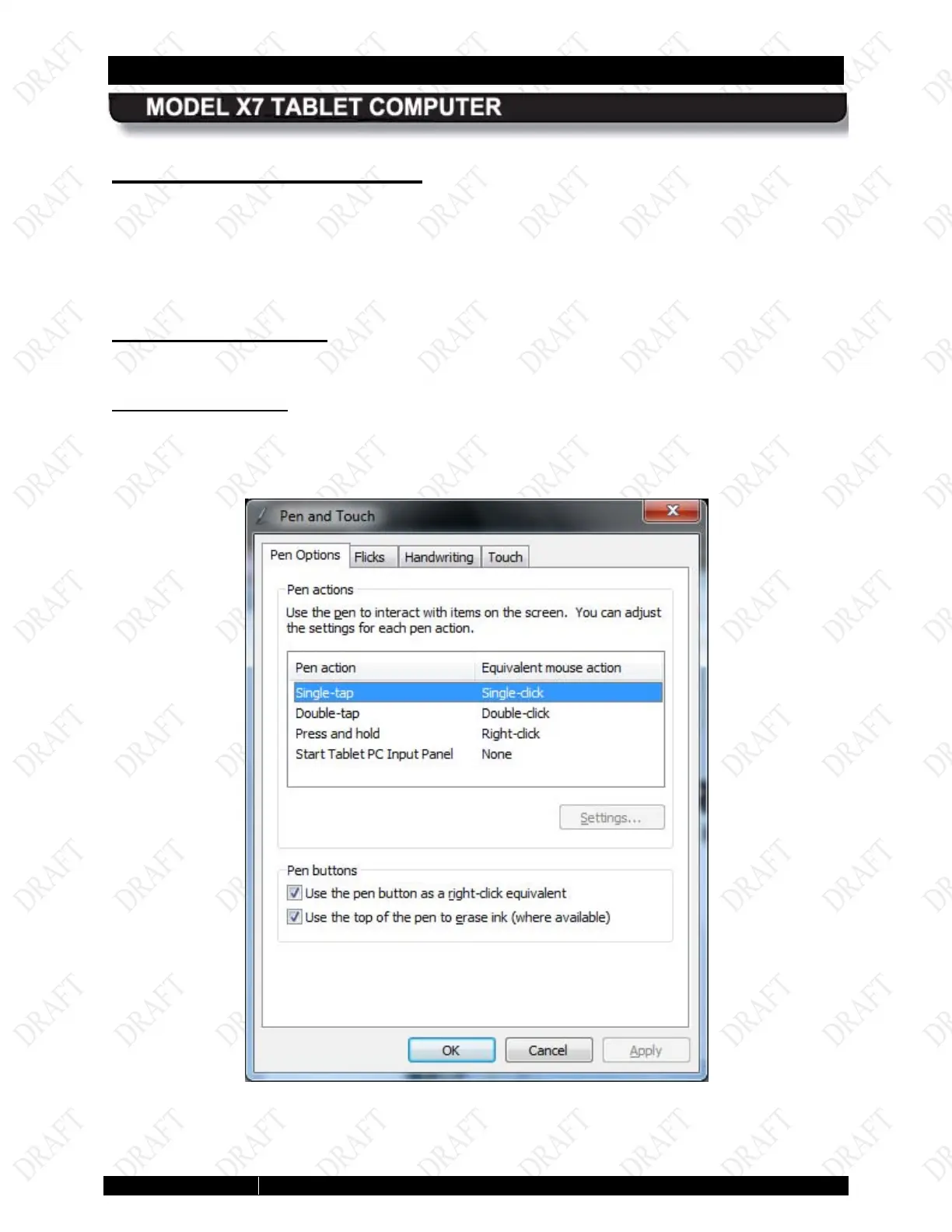
The Pen and Touch utility is a Windows utility that provides settings that effect how the pen
works for both the active pen screen and the touch screen.
To open this utility, select Start à Control Panel à Hardware and Sound à Pen and Touch.
The Pen and Touch utility opens, as shown in
Figure 55.
Pen Options Tab
The Pen Options tab provides settings that are applicable to the pen screen only.
Pen Actions Panel
Highlight an action from the Pen Actions list and click on the Settings button (if active) to open
a settings window, then select options or make adjustments.
Figure 53. Pen and Touch Utility – Pen Options Tab



 To Next Page