SECTION 3 GETTING STARTED PAGE 67
EXPORT CONTROLLED – SEE PAGE 3
Configuring Your Speakers
Table 9. Configuring Your Speakers
STEP
ACTION CONDITION OR INDICATION
1.
Double-click on the orange speaker
icon in the task bar tray.
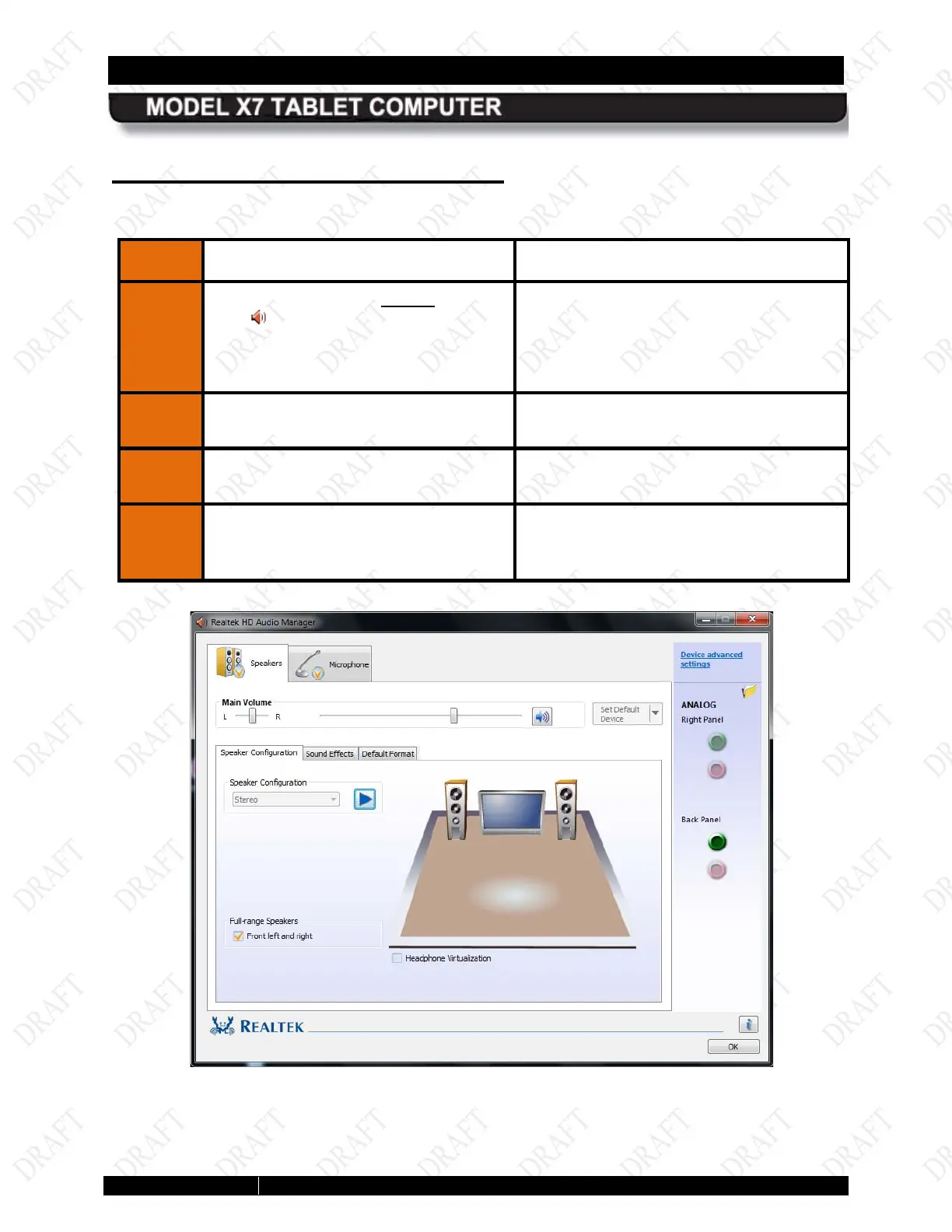
The Realtek® HD Audio Manager window
opens with the Speakers main tab (top of
page) open and the Speaker
Configuration sub-
shown in Figure 25
2.
Adju
st your speaker/headset volumes
as desired.
3.
Select the Sound Effects sub-
select special effects.
4.
Select the Default Format sub-tab to
choose your default sound format.
.
Figure 25. Realtek HD Audio Manager - Speakers Main Tab



 To Next Page