SECTION 9 DISPLAY MANAGEMENT PAGE 158
EXPORT CONTROLLED – SEE PAGE 3
Using the Touch Settings Utility (Windows XP)
Calibrate the touch screen using the procedure in Table 31.
Table 30. Calibrate the Touch Screen Using the Touch Settings Utility
STEP
ACTION CONDITION OR INDICATION
7.
Select Start
Control Panel
Hardware and Sound
Touch
Settings.
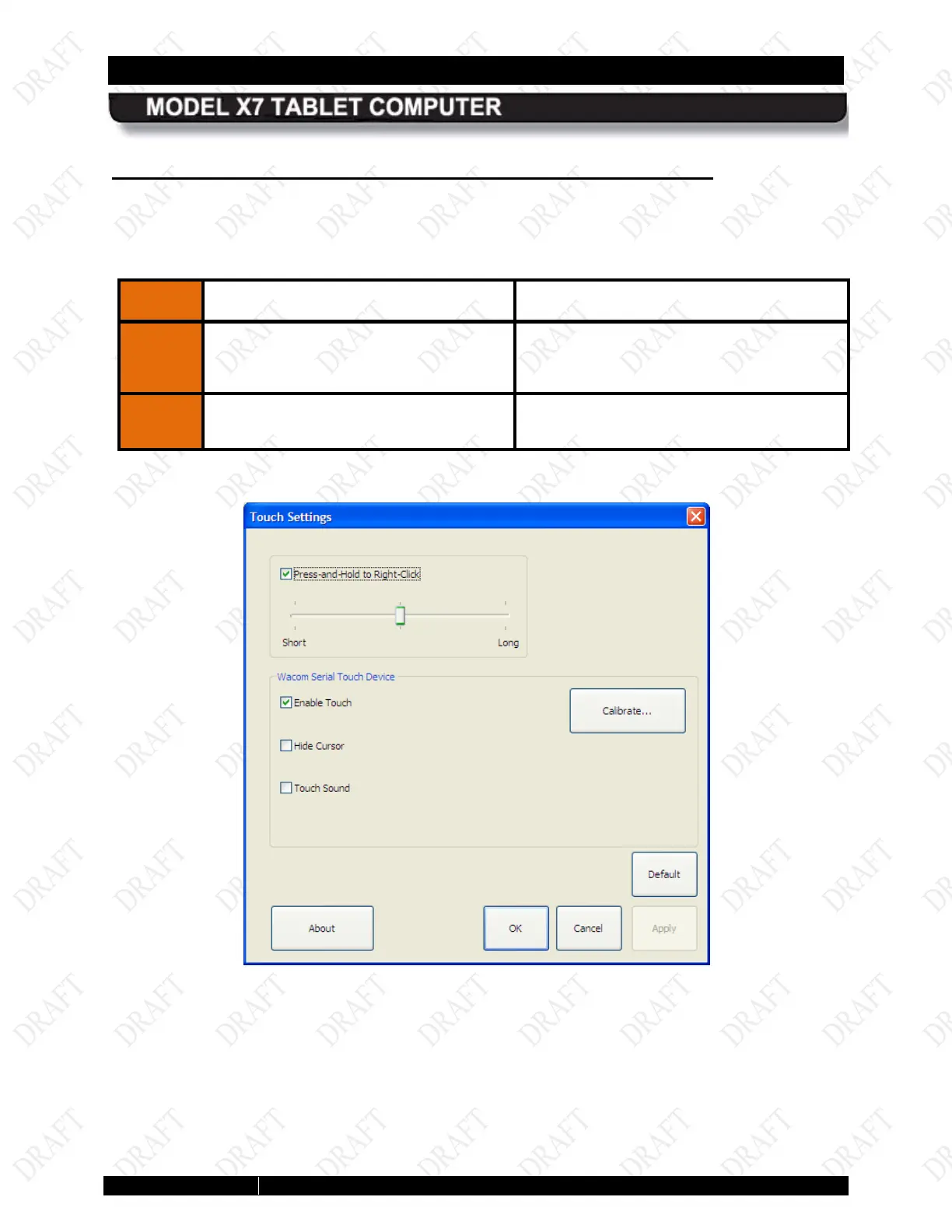
The Touch Settings dialog window opens,
as shown in Figure 83.
Click on the Calibrate butto
follow the on-screen instructions.
Figure 81. Touch Settings Utility Window
Figure 82. Computer PC Settings Display Tab



 To Next Page