SECTION 9 DISPLAY MANAGEMENT PAGE 157
EXPORT CONTROLLED – SEE PAGE 3
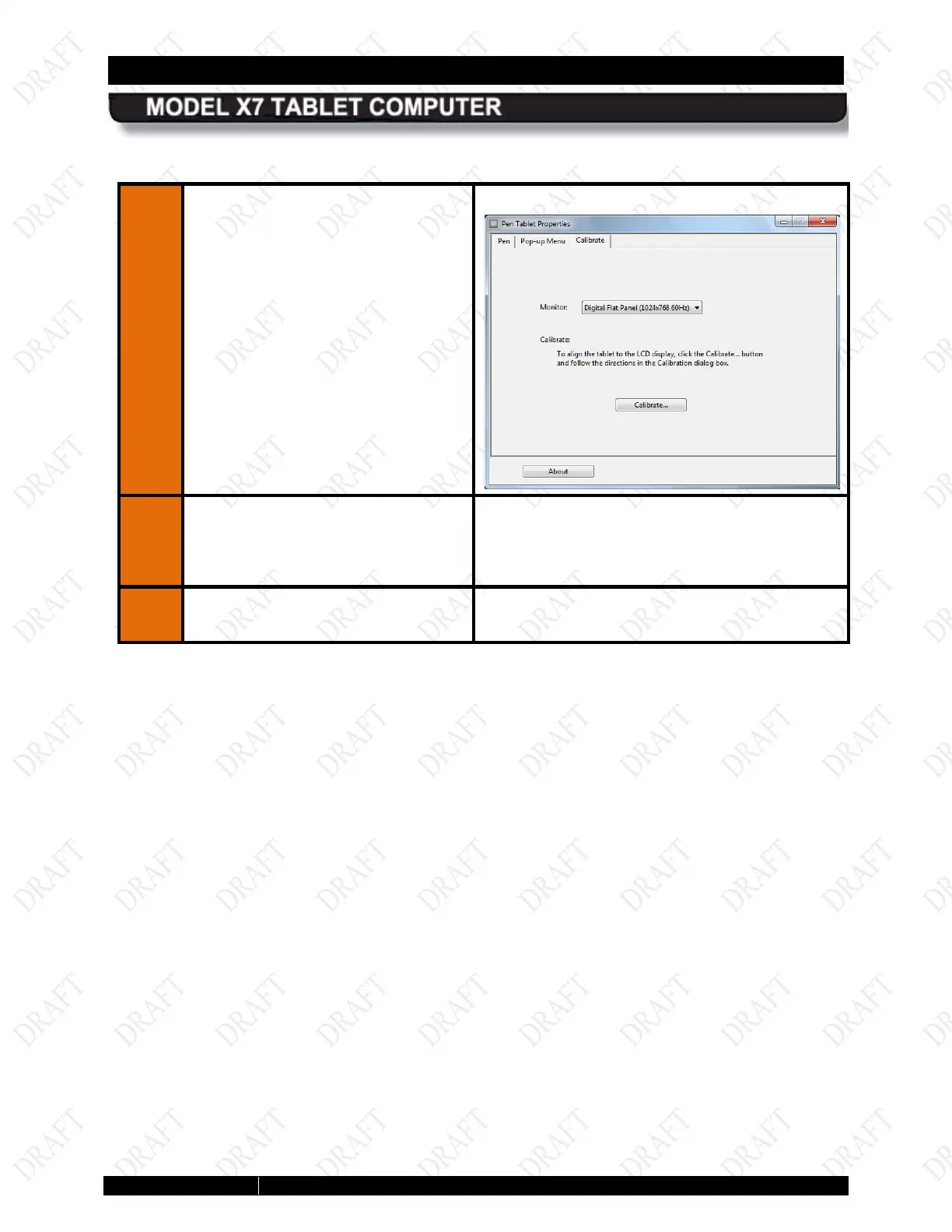
Figure 80. Pen Tablet Properties Utility Window
2.
Click on the Calibrate tab.
The Calibrate tab opens as shown below:
3.
If you have a second pen or touch
screen display connected, be sure
the display you want to calibrate is
selected in the Monitor field.
4.
Click on the Calibrate
follow the on-screen instructions.



 To Next Page