SECTION 5 YOUR ARMOR X7 SOFTWARE PAGE 108
EXPORT CONTROLLED – SEE PAGE 3
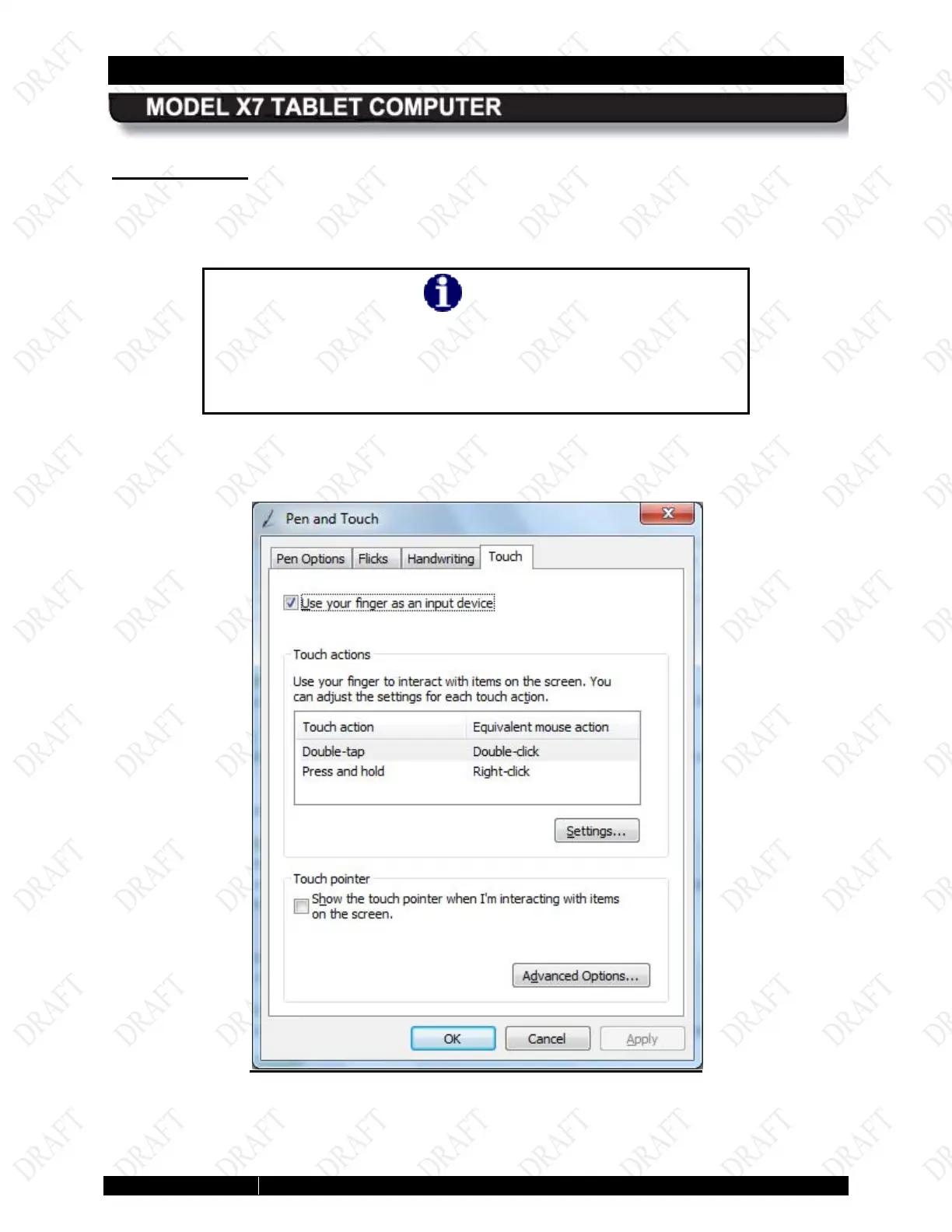
Touch Tab
The Touch tab provides settings that are applicable to the touch screen only. The options on
this tab affect how the pen, or your finger, interacts with the touch screen.
NOTE
You must have the “Use your finger as an input device” option
checked to use either your finger or the pen on the touch
screen. If you are in Dual Mode, you can still use the active pen,
but the touch screen will be disabled.
Check the “Use your finger as an input device” option to use either the pen or your finger
with the touch screen.
Figure 56. Pen and Touch Utility – Touch Tab



 To Next Page