SECTION 3 GETTING STARTED PAGE 77
EXPORT CONTROLLED – SEE PAGE 3
Using the Screen Magnifier
Some text and images on a tablet computer can be so small they are difficult to see clearly.
Your X7 has a handy application that will magnify a portion of the screen and help you see more
effectively. The program is called Virtual Magnifying Glass™.
• To start the application, click on the Virtual Magnifying Glass icon on the desktop or
select Start > Programs > Virtual Magnifying Glass.
• Use the Scroll wheel to increase or decrease magnification. The application will return to
the last magnification when restarted. Left click to close the magnifier.
• To configure the magnifier, right-click on the icon in the task bar.
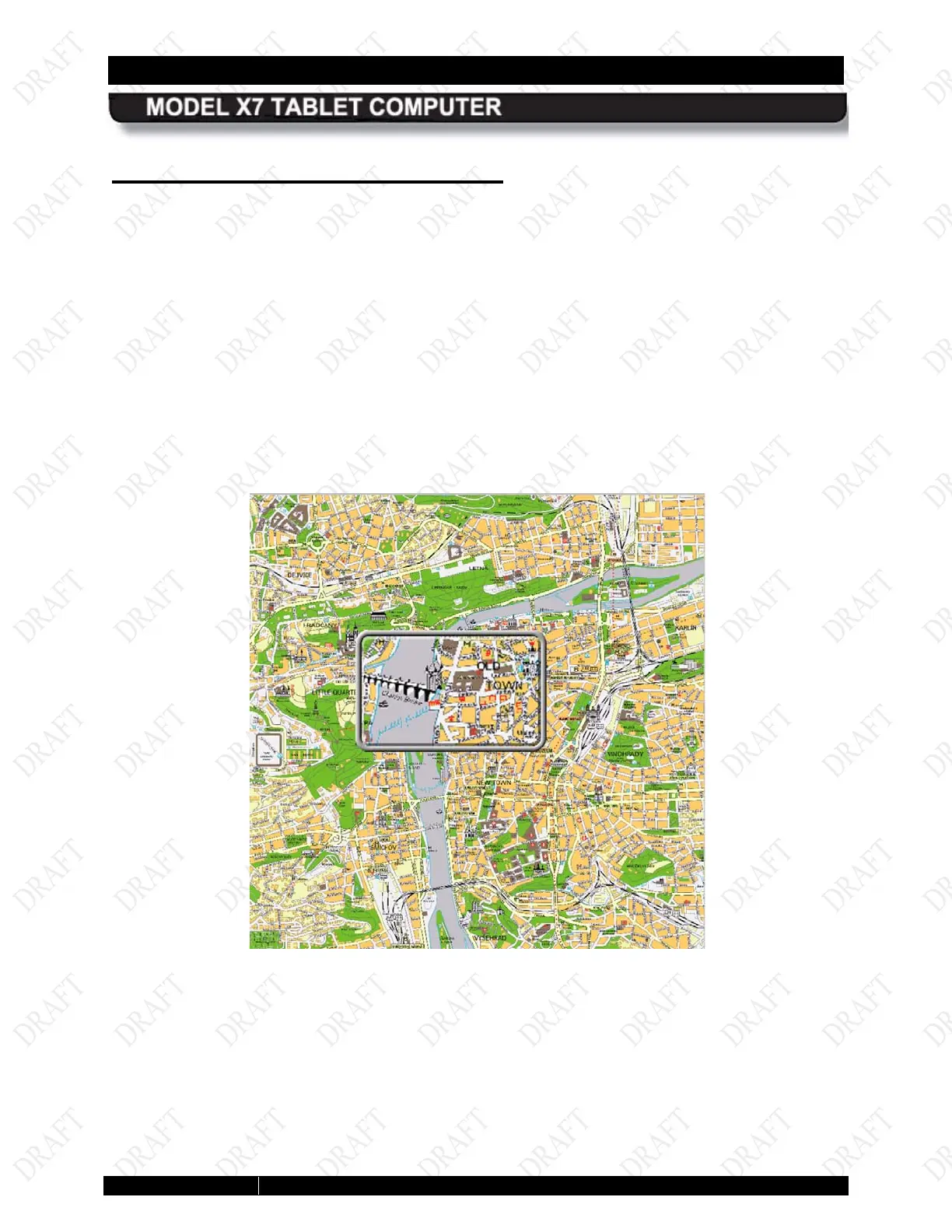
• A magnified example is shown in Figure 34.
Figure 34. Virtual Magnifying Glass at Work



 To Next Page