SECTION 3 GETTING STARTED PAGE 49
EXPORT CONTROLLED – SEE PAGE 3
Installing and Charging the Batteries
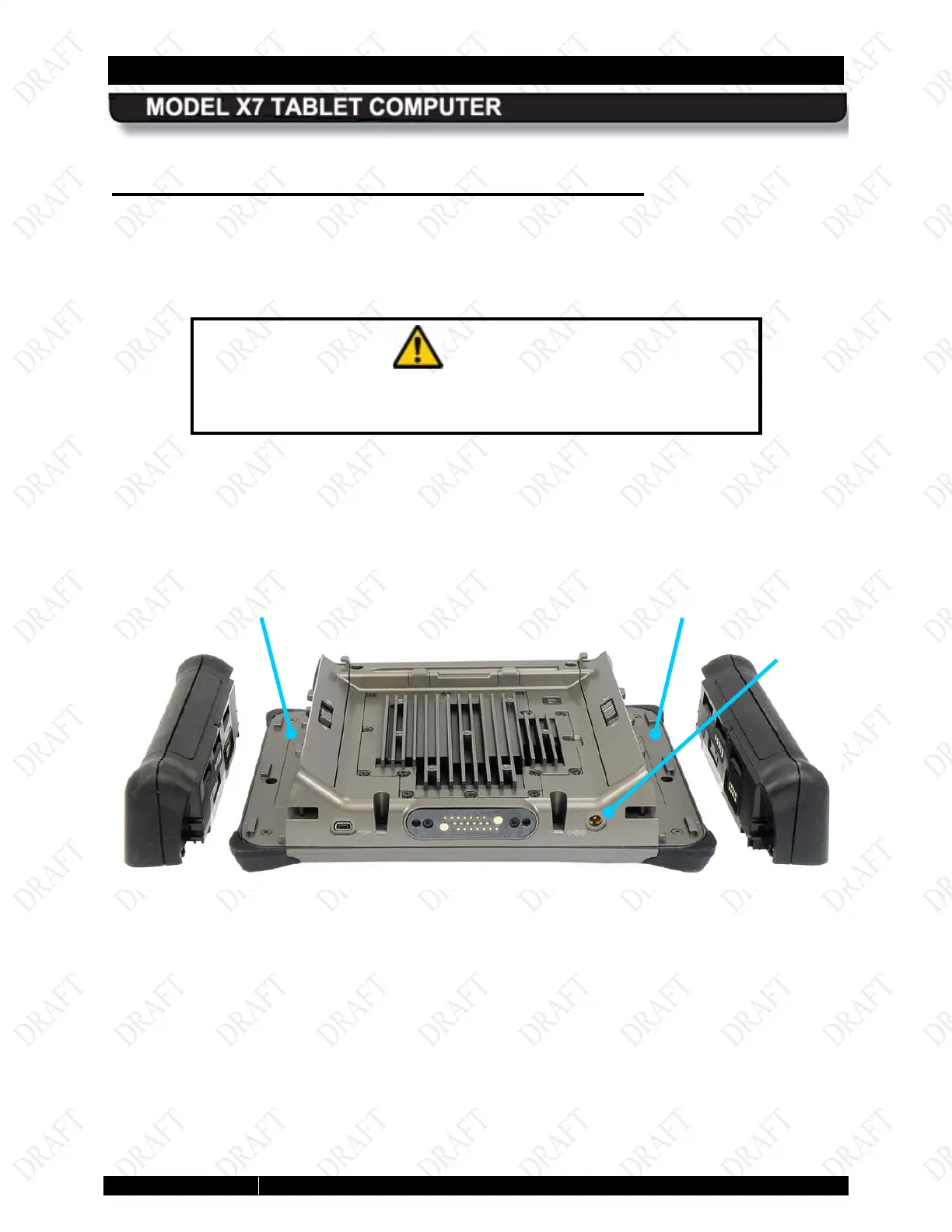
The first step to getting your X7 operating is to install and charge the batteries. The batteries are
inserted into slots on side of the computer, as shown in Figure 18. Follow the procedure in
Table 2 to install the batteries.
CAUTION!
When using the provided AC adapter, the maximum safe ambient
operating temperature is 40°C.
Figure 18. X7 Batteries Positioned for Installation
BAY
(BATTERY #1)
BAY
(BATTERY #2)
AC
ADAPTER
JACK



 To Next Page