SECTION 9 DISPLAY MANAGEMENT PAGE 160
EXPORT CONTROLLED – SEE PAGE 3
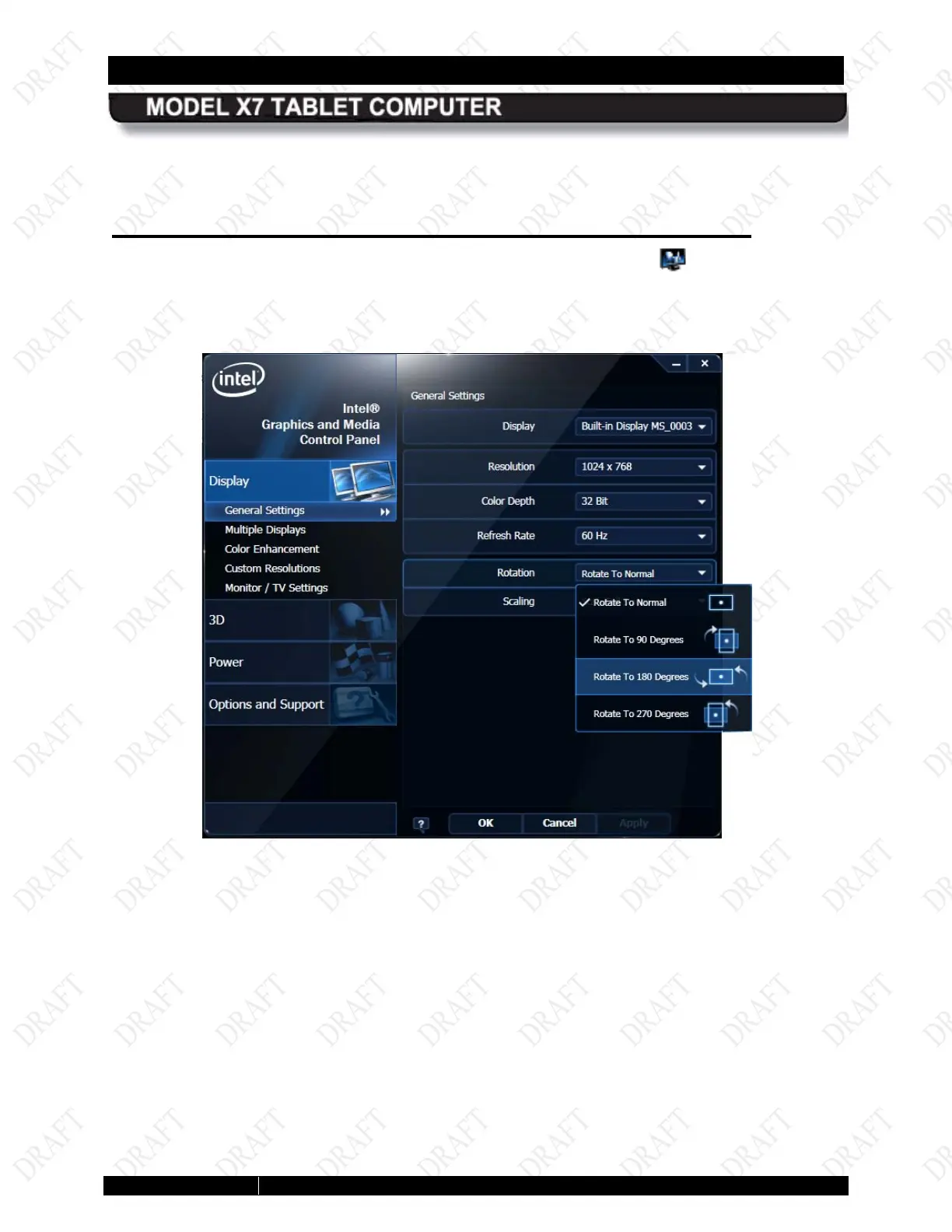
You can rotate the screen clockwise in four 90 degree steps, alternating between portrait and
landscape orientation, or you can rotate it 180° or 270°.
Us ing the Intel Graphics and Media Control Panel
Right-click anywhere on the desktop or click on the Intel Graphics icon in the icon tray and
select Graphics Properties to open the Intel Graphics and Media Control Panel, as shown in
Figure 86. Select the rotation angle and click OK.
Figure 84. Intel Graphics and Media Control Panel



 To Next Page