SECTION 5 YOUR ARMOR X7 SOFTWARE PAGE 112
EXPORT CONTROLLED – SEE PAGE 3
Pen Tablet Properties Utility
The following paragraphs briefly describe the purpose and actions of the Pen Tablet Properties
utility. To open the Pen Tablet Properties window, select Start
à Control Panel à Hardware
and Sound and click on the Pen Tablet Properties icon to open the Pen Tablet Properties
window shown in
Figure 62.
Pen Tab
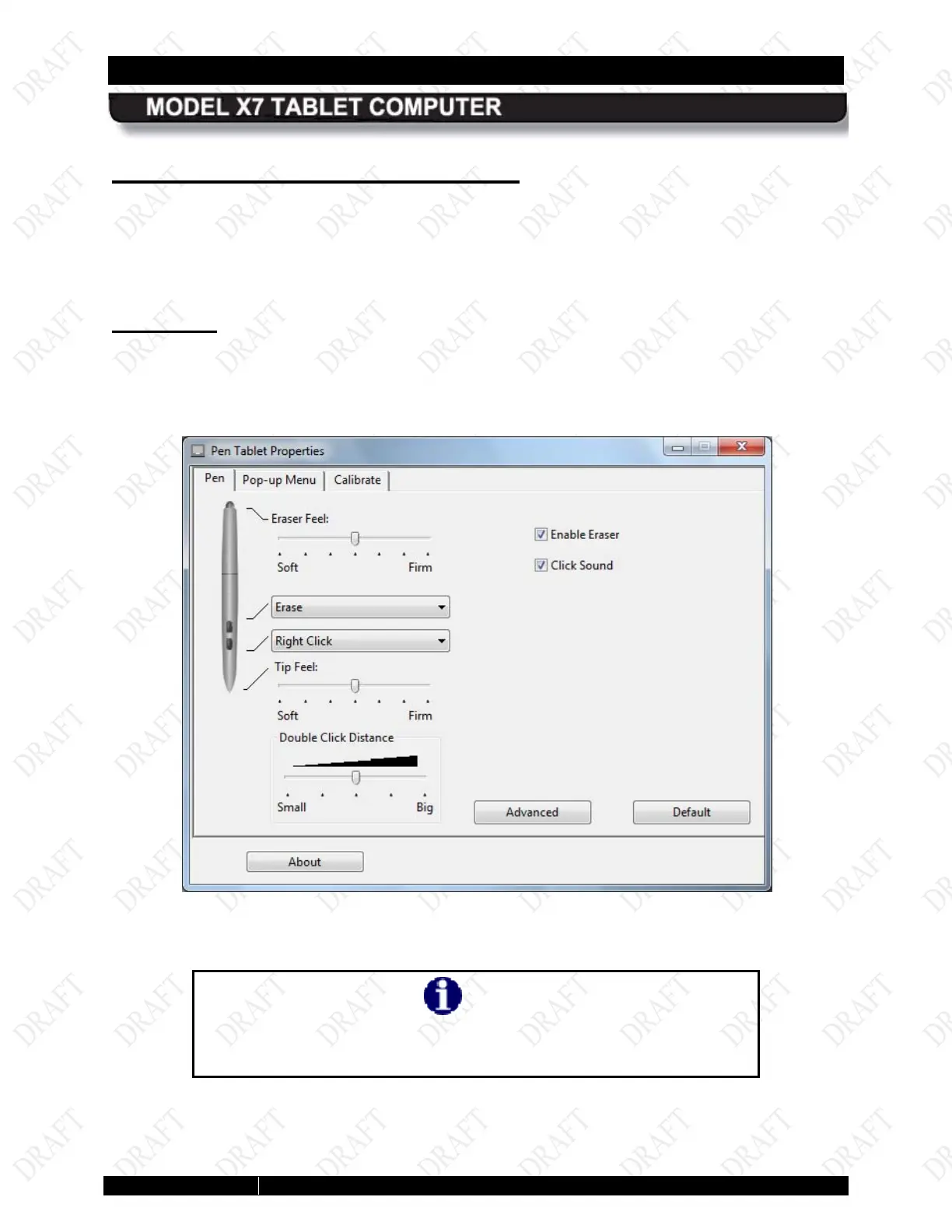
The Pen tab is displayed by default when the Pen Tablet Properties window opens (Figure 62 ).
The pen pictured in the tab is a WACOM™ pen that is normally used in advanced drawing
tablets. Its functionality far exceeds what is practical for your X7 tablet. Consequently, we have
provided a simpler active pen.
Figure 60. WACOM Pen Tablet Properties Window – Pen Tab
NOTE
The pen that comes with your ARMOR X7 has only one side button
and no eraser function.



 To Next Page