SECTION 3 GETTING STARTED PAGE 76
EXPORT CONTROLLED – SEE PAGE 3
Table 14. Scan Datamatrix and QR Format Barcodes in Windows 7
STEP ACTION
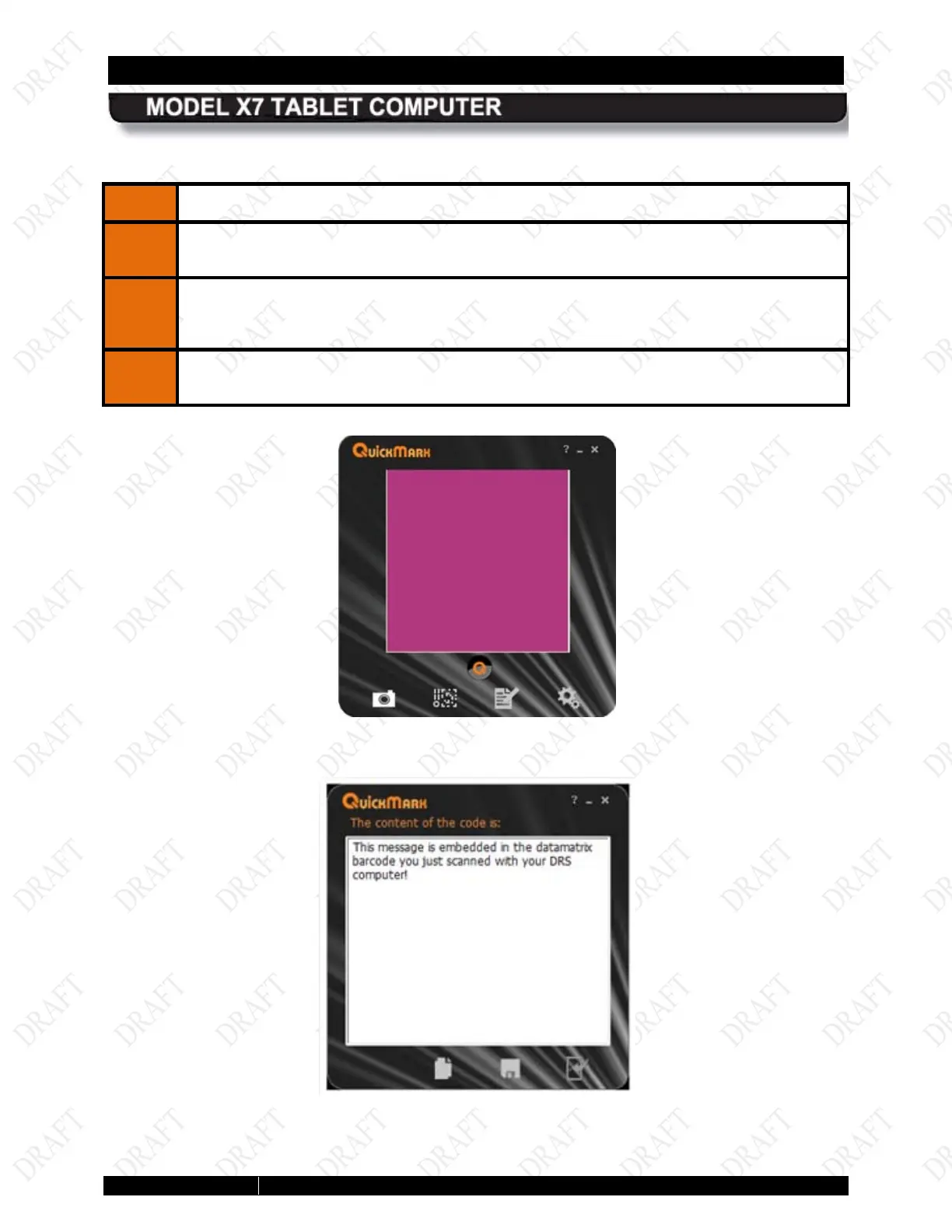
Double-click on the QuickMark icon on the desktop to open the QuickMark®
application window, as shown in Figure 32.
2.
Hold the barcode to be scanned 2-3” from the camera; an audible signal will sound
upon capture and the barcode information will be displayed in the application window,
as shown in Figure 33.
To return to the camera mode, click door icon at the lower right corner of the window.
Figure 32. QuickMark® Barcode Scanner Application Window
Figure 33. A Captured 2D Barcode



 To Next Page