SECTION 5 YOUR ARMOR X7 SOFTWARE PAGE 106
EXPORT CONTROLLED – SEE PAGE 3
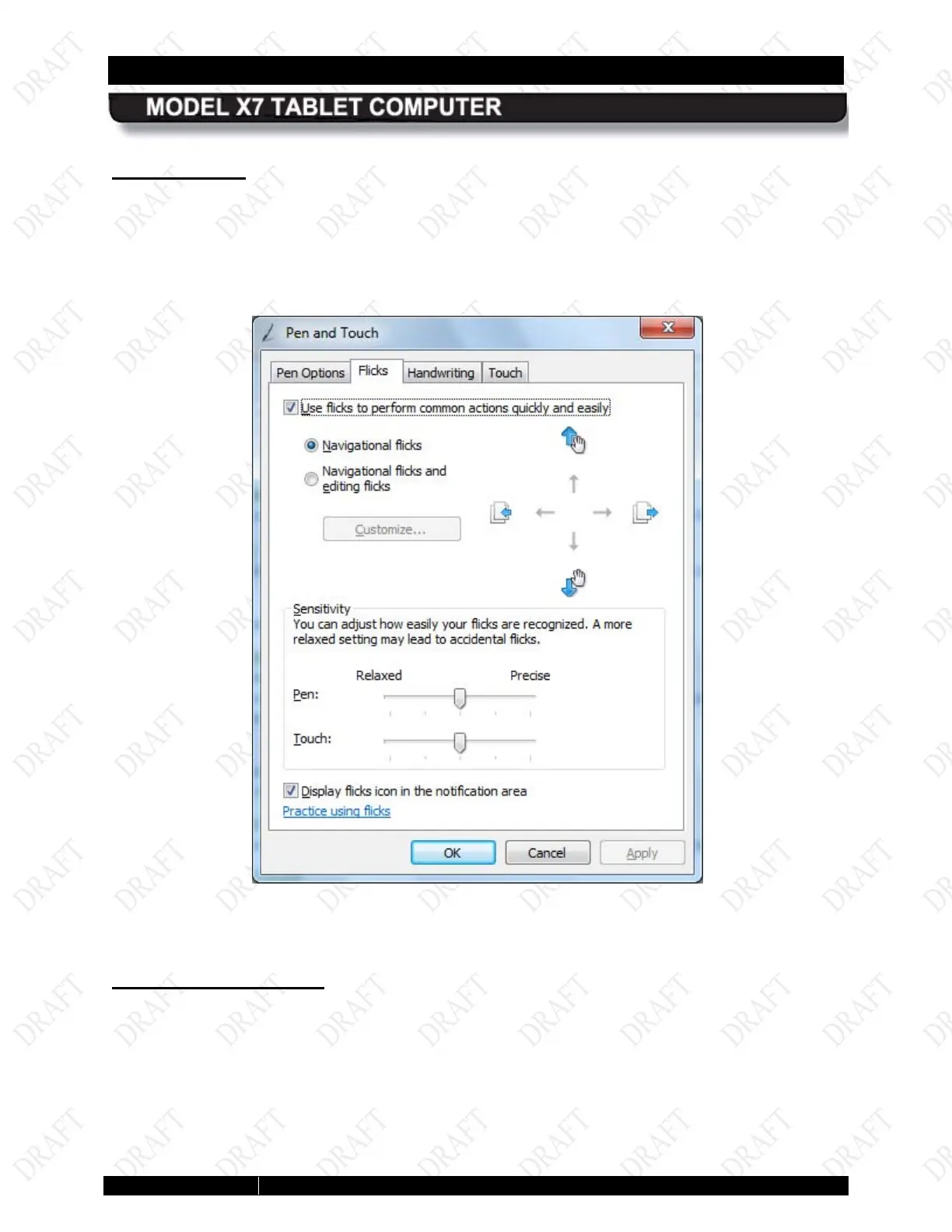
Flicks Tab
The Flicks tab provides settings that are applicable to both the pen and touch screens.
Flicks are short quick gestures either up, down, left or right that produce common actions such
as scrolling through a document, dragging an object, or opening a folder. Click on the Practice
using flicks link at the bottom of the window to access a tutorial.
Figure 54. Pen and Touch Utility – Flicks Tab
Handwriting Tab
The Handwriting tab provides settings that are applicable to both the pen and touch screens.
The options on this tab allow you to enable or disable the automatic handwriting learning
feature. Click on the “Learn about handwriting personalization link at the bottom of the window
for information about automatic learning and how to train your tablet to recognize your personal
handwriting style.



 To Next Page