SECTION 5 YOUR ARMOR X7 SOFTWARE PAGE 109
EXPORT CONTROLLED – SEE PAGE 3
Touch Actions
Highlight a touch action and click on the Settings button to open an adjustment window.
Touch Pointer
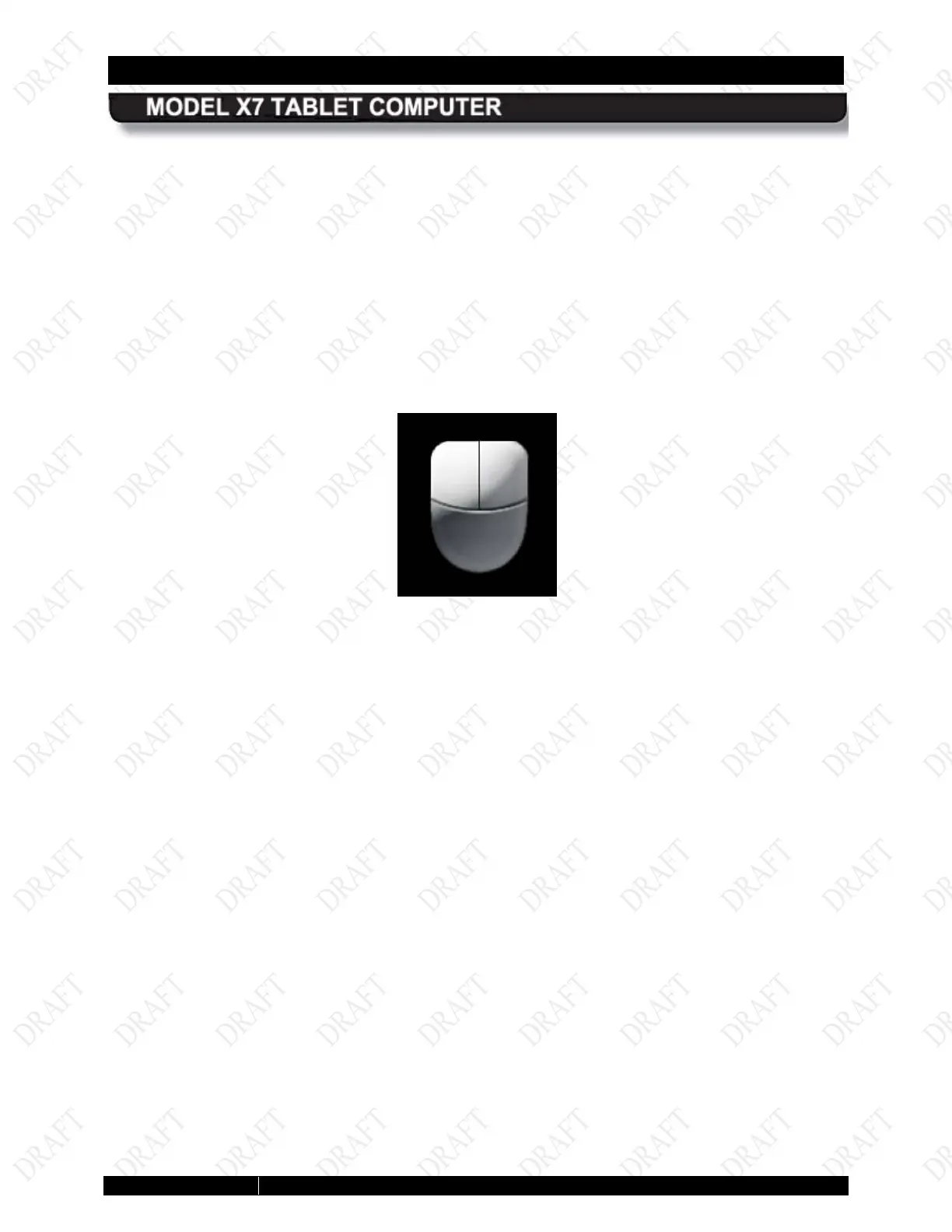
Select this option to place a cursor at the touch point. A virtual mouse image will also appear
next to the cursor, as shown in Figure 59 . You can then click on the left or right mouse button to
produce the appropriate mouse action.
Click on the Advanced Options button to open a window where you can adjust the touch
pointer position, appearance and behavior.
Figure 57. Touch Tab Virtual Mouse Pointer



 To Next Page