SECTION 5 YOUR ARMOR X7 SOFTWARE PAGE 115
EXPORT CONTROLLED – SEE PAGE 3
Advanced Button
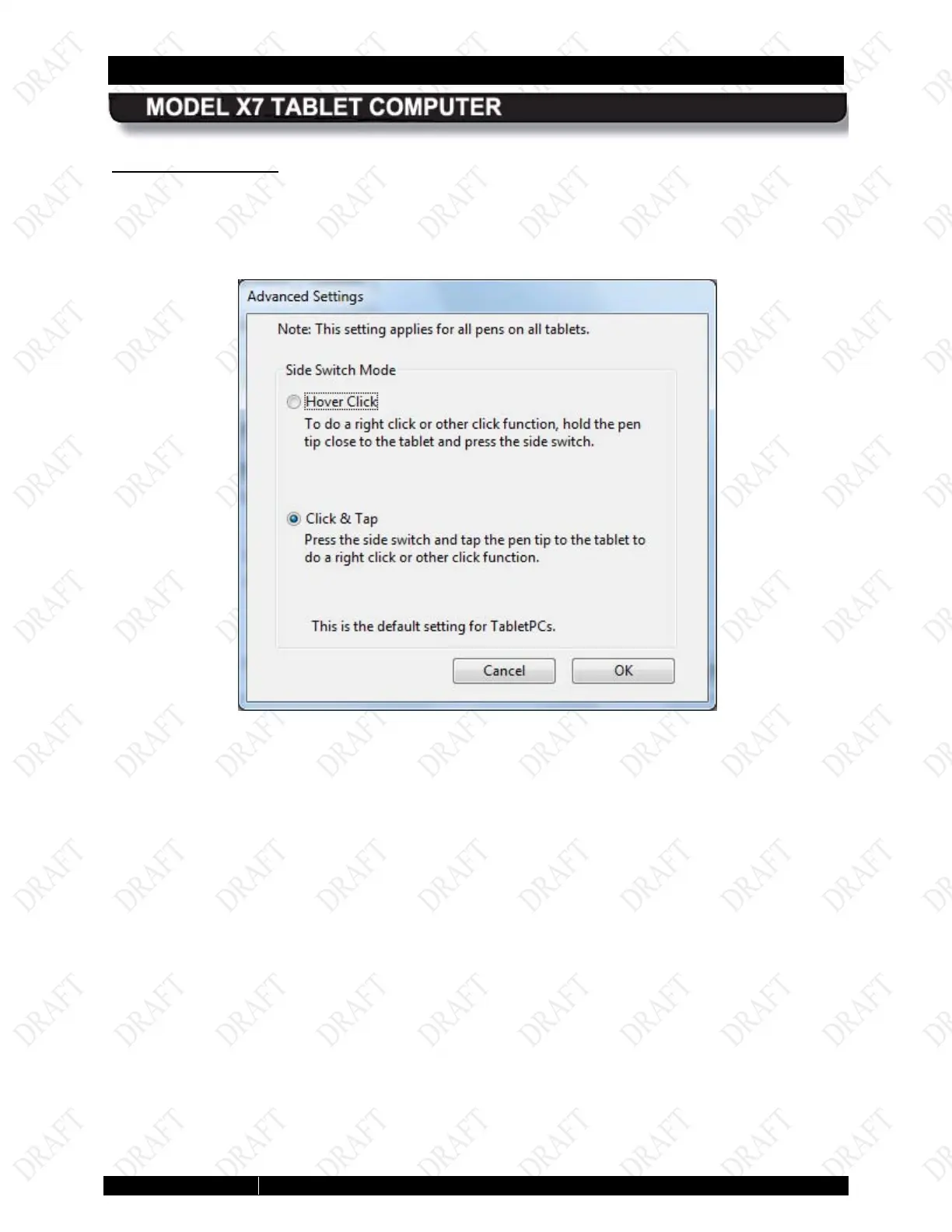
Click on the Advanced button to open the Advanced Settings window, as shown in Figure 65.
The two options in this window allow you to set the way the side switch will be used to perform a
right click action. Click & Tap is the default action.
Figure 63. Pen Tablet Properties - Advanced Settings Window



 To Next Page