SECTION 5 YOUR ARMOR X7 SOFTWARE PAGE 110
EXPORT CONTROLLED – SEE PAGE 3
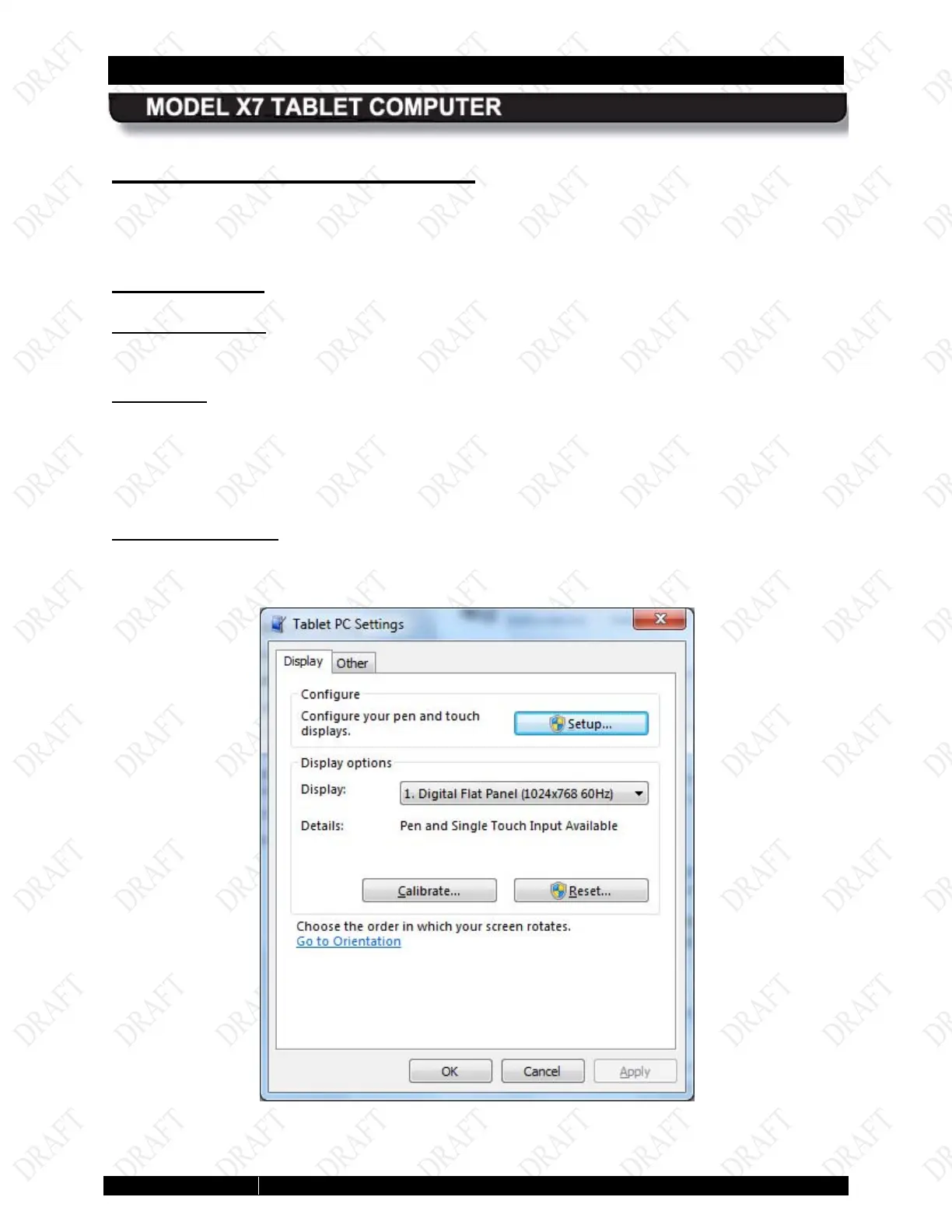
Tablet PC Settings Utility
If you have a second display with a touch or pen screen, you can use this tab to calibrate or
change the screen orientation.
Dis play Tab
Display Options
Click on the Display options down arrow and highlight the display you want to configure.
Configure
Click on the Setup button and choose Pen input or Touch input, depending on the type of
display.
Use the Calibrate button to calibrate either a pen or touch screen. Click on Reset to remove the
last calibration.
Go to Orientation
This option is not supported by the X7.
Figure 58. Tablet PC Settings – Display Tab



 To Next Page