SECTION 3 GETTING STARTED PAGE 53
EXPORT CONTROLLED – SEE PAGE 3
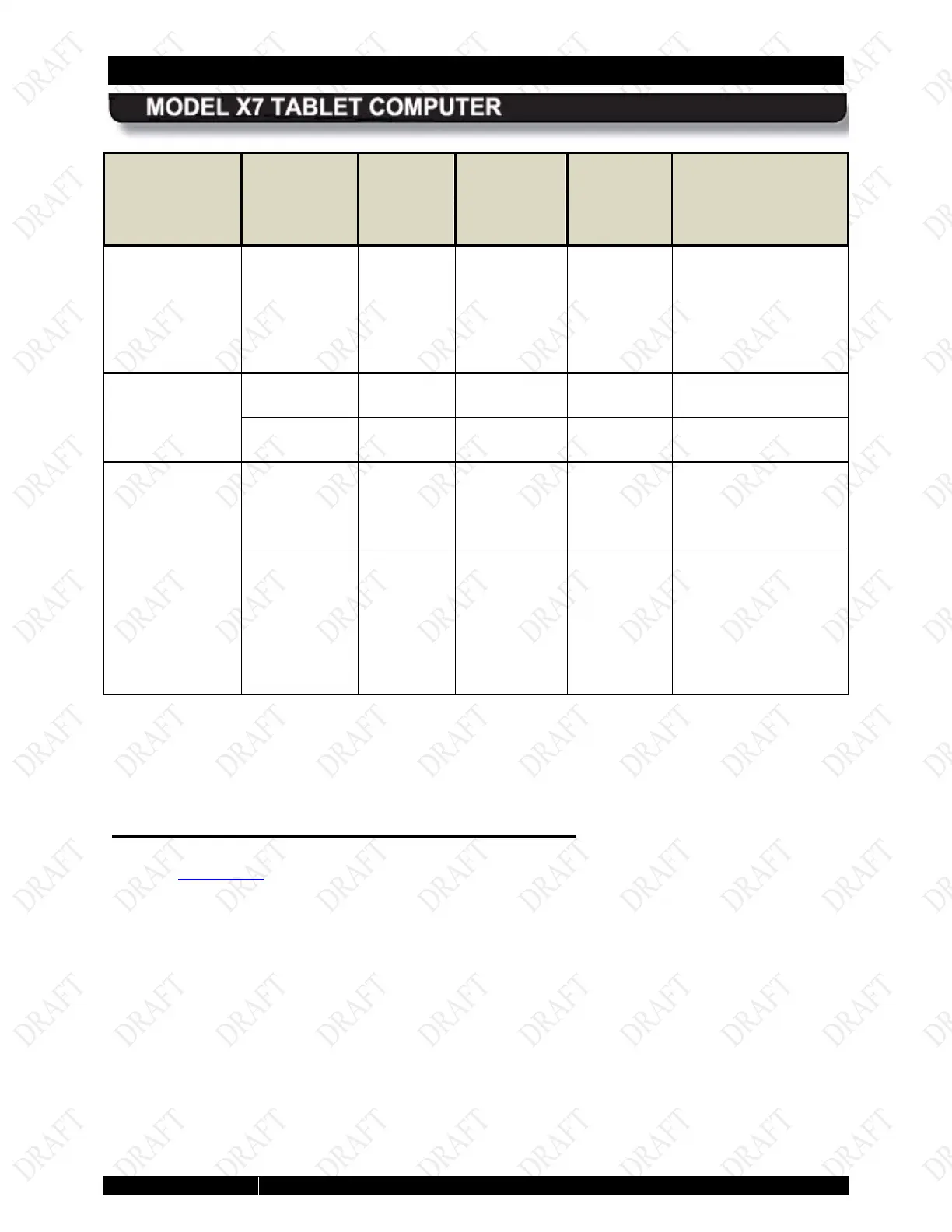
LED IF THE
INDICATION
IS:
AND THE
POWER
MODE IS:
AND
EXTERNAL
POWER IS:
AND
BATTERY
IS:
THIS MEANS:
On steady red Power
on/off
Connected Installed Power system fault
(overvoltage,
undervoltage or
overcurrent condition
or battery failure)
Power (blue)
On On N/A Installed Computer power is on
Off Off N/A N/A Computer power is off
(blue)
Single LED on
steady
N/A N/A Removed Total charge is
maximum for that level
(20%, 40% etc.)
LED # 1 (far
left) blinking
at 1 second
on/one
second off
rate
N/A N/A Removed Battery is below 10%
charge level (almost
depleted)
Activating your Wireless Radios
Refer to Networking for instructions on activating and using your wireless radio connections.



 To Next Page