SECTION 3 GETTING STARTED PAGE 65
EXPORT CONTROLLED – SEE PAGE 3
Using the FPS as a Simple Mouse Device
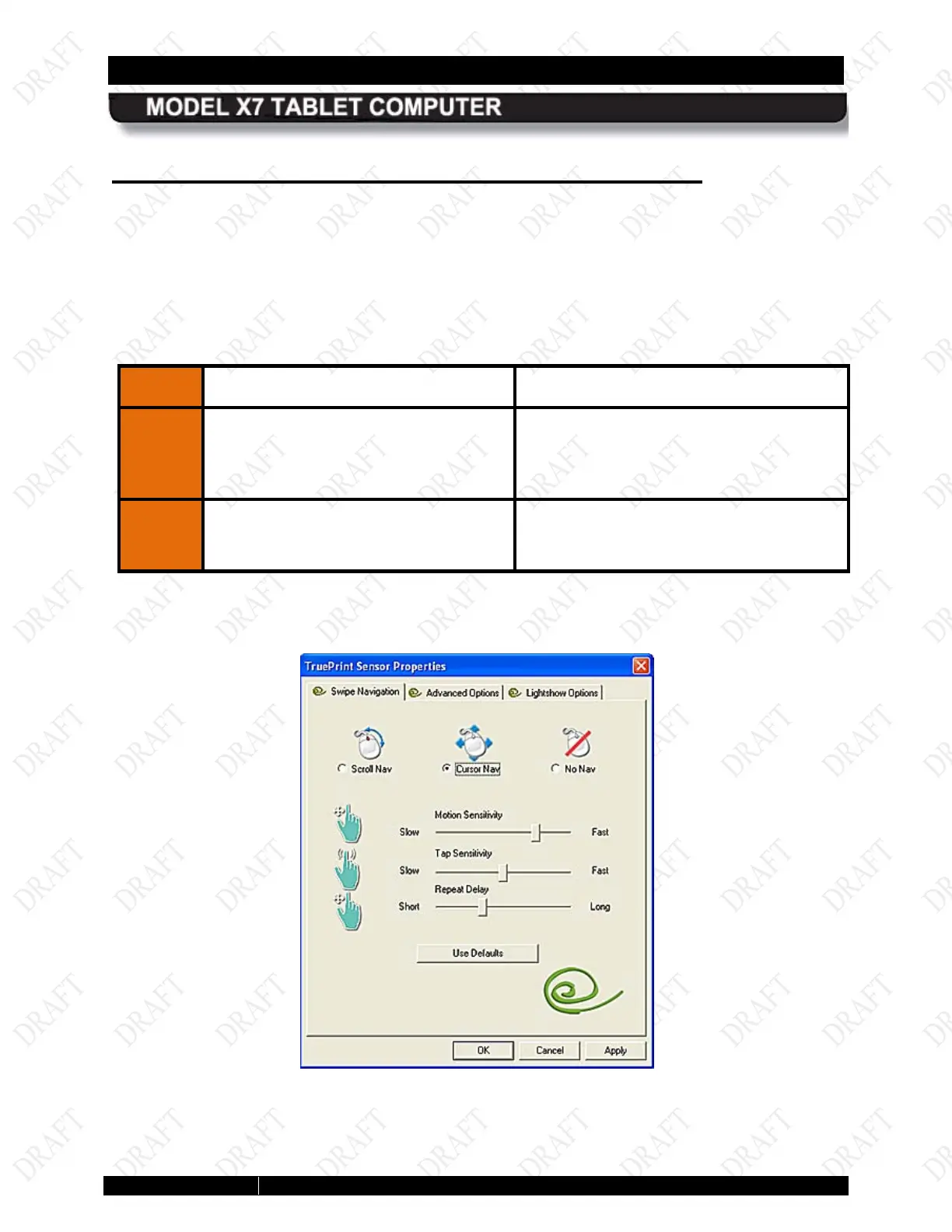
The FPS mouse function is activated as soon as you start up the computer. It places an icon in
the task tray that you can used to access options and make adjustments. Follow the procedure
in Table 7 to configure the FPS mouse function.
Refer to Table 8 for a list of available mouse functions using the FPS sensor.
Table 7. Configuring the FPS Mouse Function
STEP
ACTION CONDITION OR INDICATION
1.
Right-click on the AuthenTec icon in
the task tray.
The TruePrint Sensor Properties dialog
window opens with the Swipe
Navigation tab displayed, as
Figure 24.
2.
If not already selected, click o
Cursor Nav
window.
Figure 24. FPS Sensor Properties Window



 To Next Page