SECTION 3 GETTING STARTED PAGE 68
EXPORT CONTROLLED – SEE PAGE 3
Configuring Your Microphones
Table 10. Configuring Your Microphones
STEP
ACTION CONDITION OR INDICATION
1.
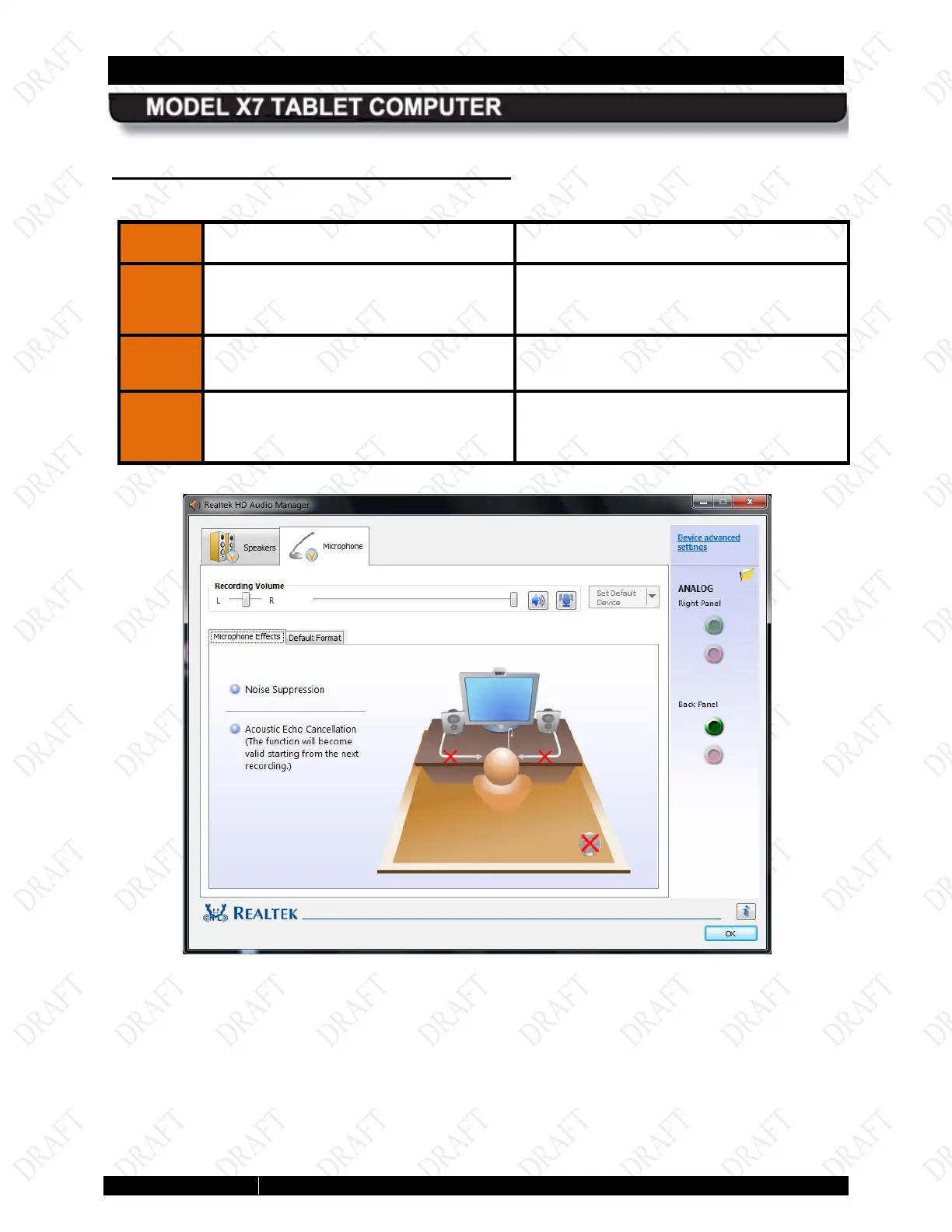
Click on the Microphone main tab at
the top of the page.
The Microphone main tab opens with the
Microphone Effects sub-
as shown in Figure 26.
Set up and adjust your microphones.
3.
Click on the Default Format sub-tab
to select a default sound format for
your microphones.
Figure 26. Microphone Main Tab



 To Next Page