SECTION 5 YOUR ARMOR X7 SOFTWARE PAGE 99
EXPORT CONTROLLED – SEE PAGE 3
Battery 1 and 2 Information Buttons
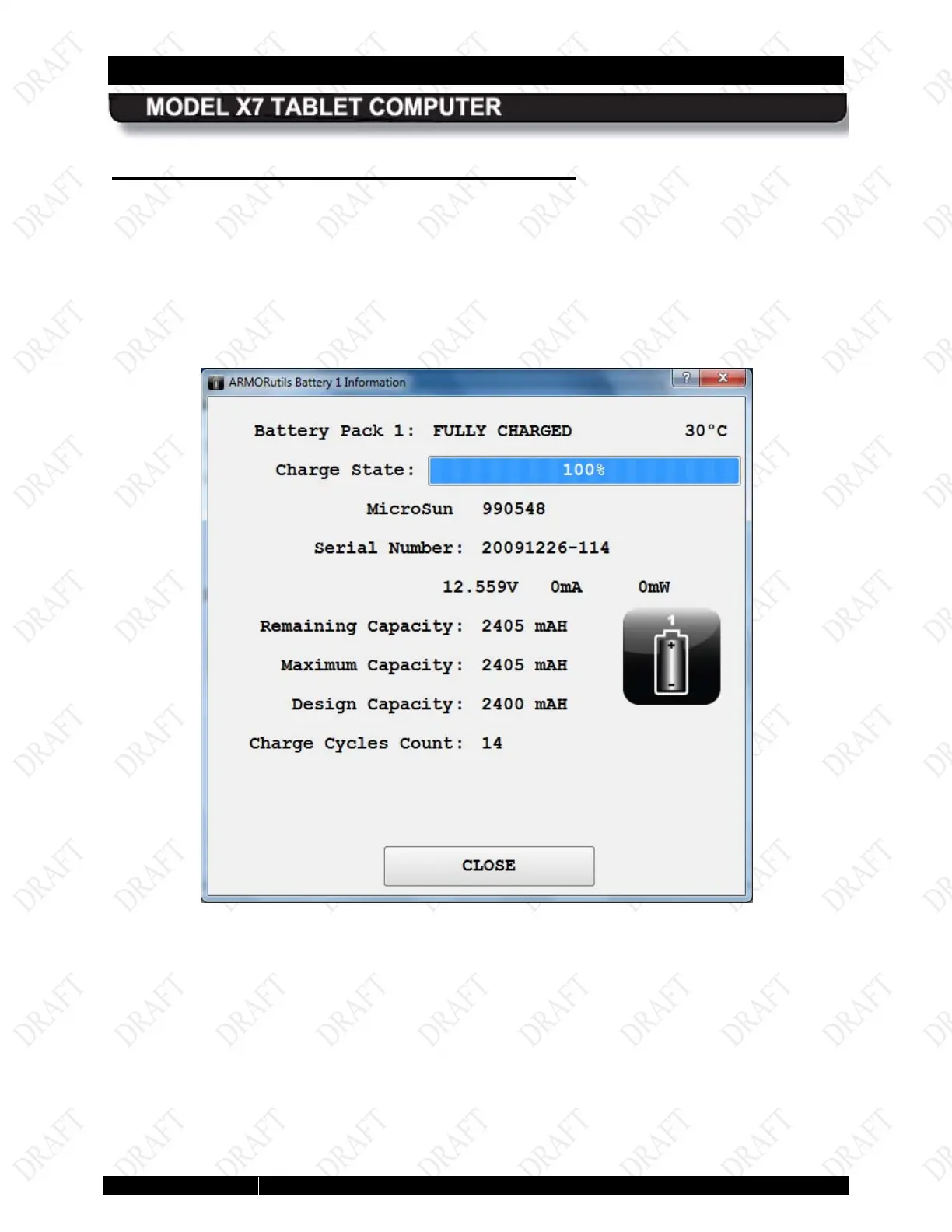
Click on the Battery 1 Details or Battery 2 Details button (Figure 50) to open a Battery
Information window (example shown in Figure 51). Readings such as percentage of charge,
present capacity, remaining capacity and charge cycle count are updated in real time on this
page.
If the battery needs conditioning, a message will appear at the bottom of the page indicating that
a conditioning is necessary.
Figure 49. ARMORutils Battery Information Window



 To Next Page