SECTION 5 YOUR ARMOR X7 SOFTWARE PAGE 95
EXPORT CONTROLLED – SEE PAGE 3
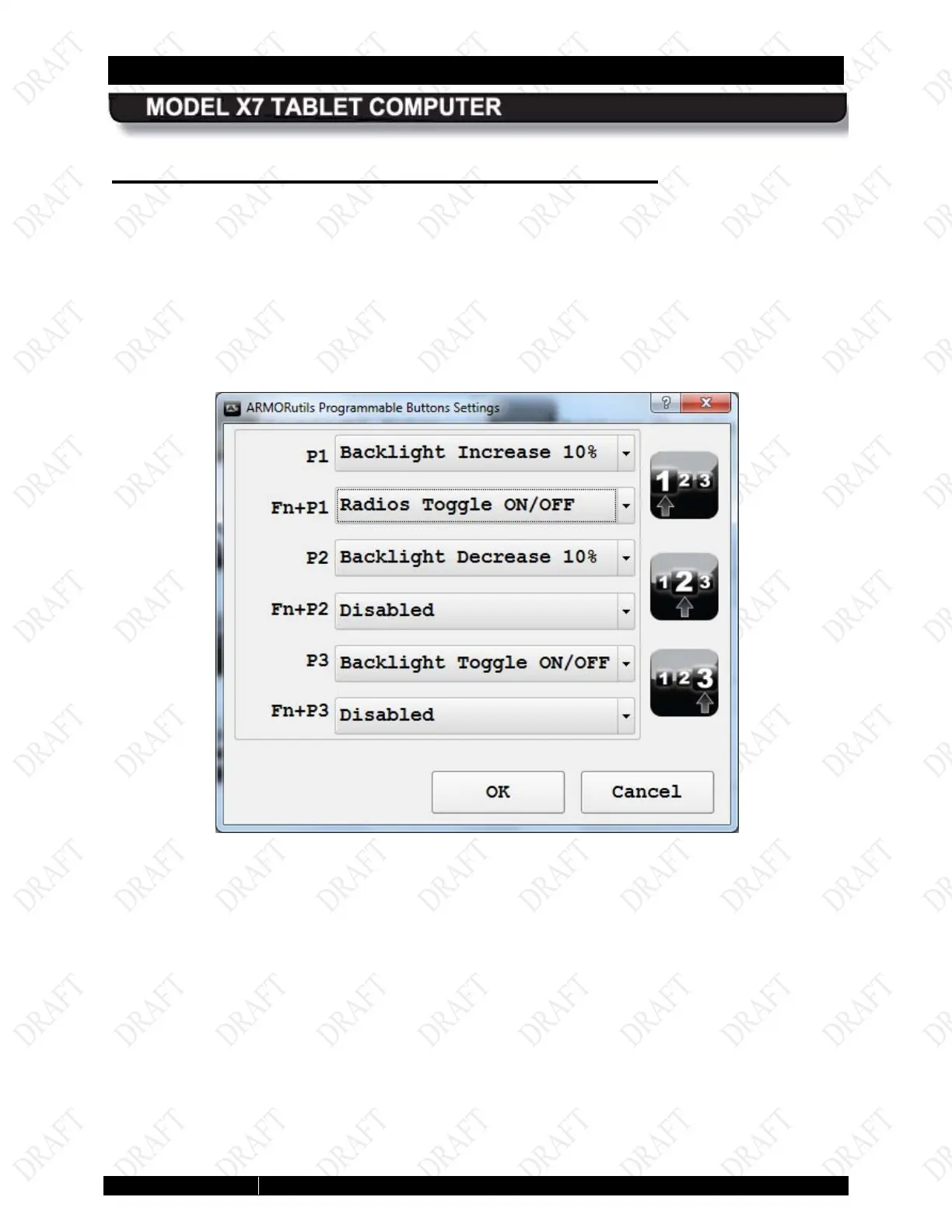
Programmable Button Settings Dialog
This page is shown in Figure 47. It allows you to preset up to 6 different functions using the
three programmable buttons P1–P3 on the tablet control panel.
You can configure and activate an additional function for P1-P3 by pressing and releasing the
Fn button and then pressing and releasing one of the programmable buttons (Fn+P1, P2, P3).
This provides a total of 6 preset functions that can be activated from the control panel.
The currently programmed function is shown in the field next to the button or button
combination. Click on the down arrows to select a function. The available functions are shown in
Figure 48.
Figure 45. ARMORutils Programmable Button Settings Page



 To Next Page