SECTION 5 YOUR ARMOR X7 SOFTWARE PAGE 117
EXPORT CONTROLLED – SEE PAGE 3
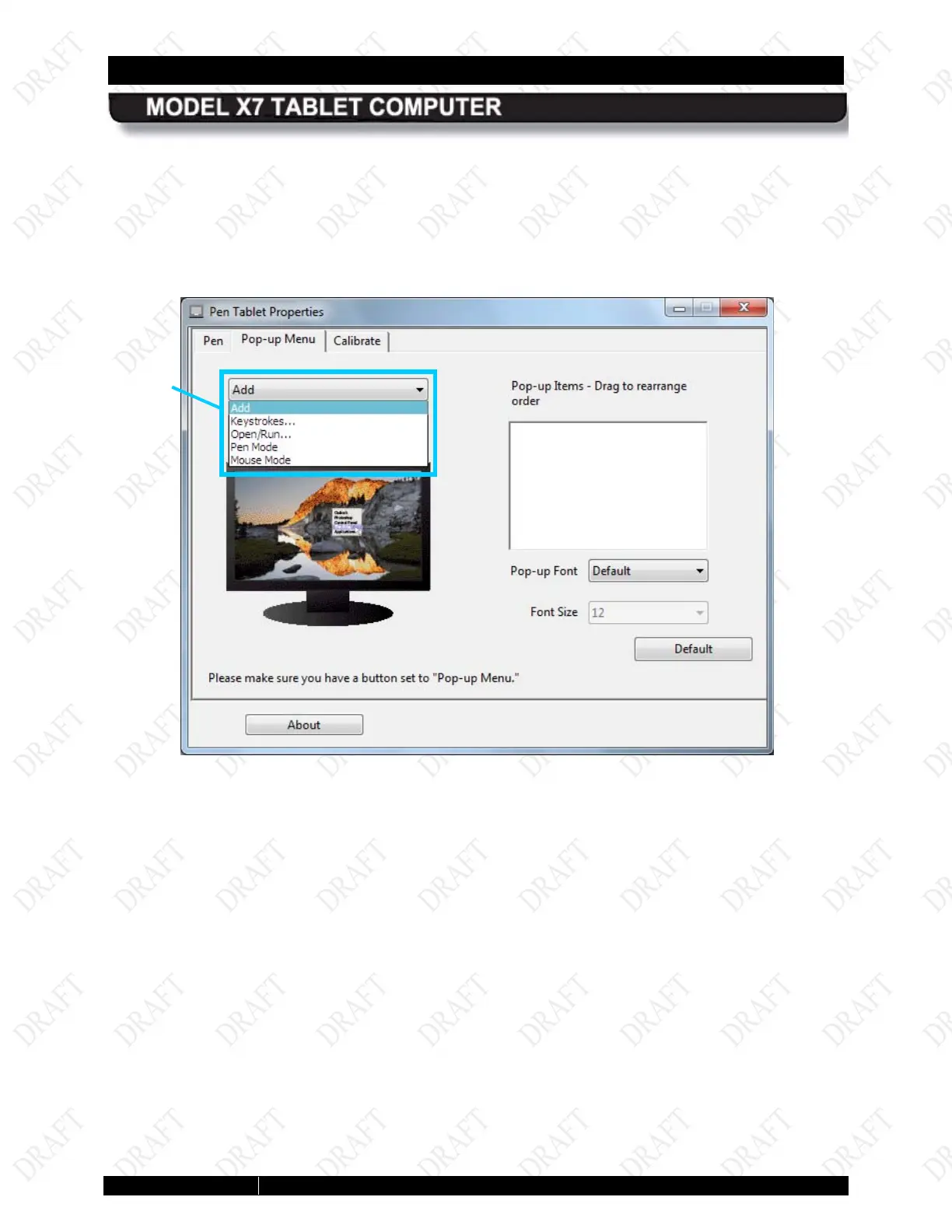
Click on the down arrow in the Add field to open a list of available functions then select and
configure the desired function. Those functions that are selected will appear in the Pop-up
Items panel to the right of the Add field. Click on the Remove button to delete a function.
When you are using the pen in an application or on the desktop and you press the side button, a
small menu is displayed with the options you have configured.
Figure 65. Pop-up Menu Add Options
OPTIONS



 To Next Page