SECTION 9 DISPLAY MANAGEMENT PAGE 155
EXPORT CONTROLLED – SEE PAGE 3
7.
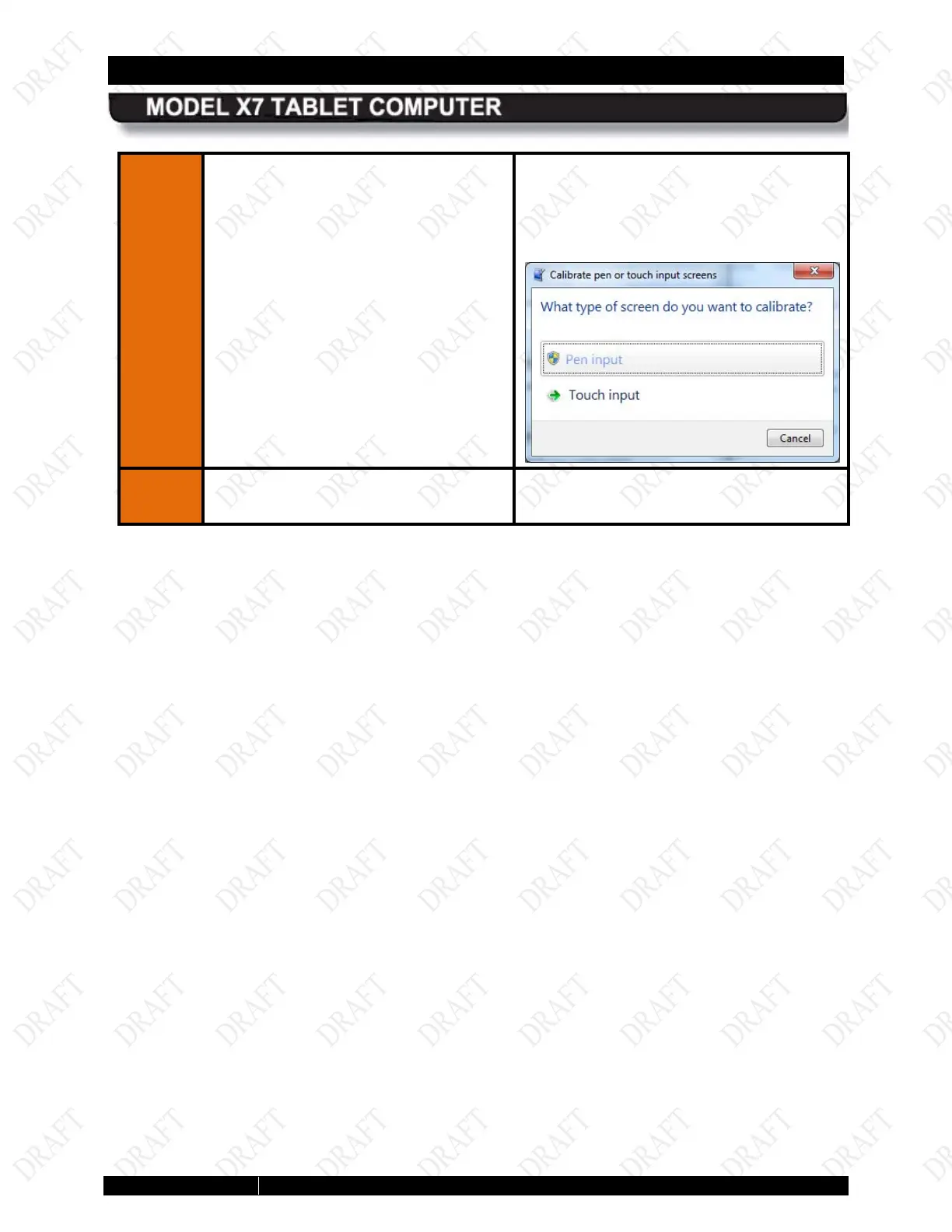
Click on Calibrate
screen you want to calibrate.
NOTE:
A shield symbol next to the
screen type (shown below) indicates the
calibration data has been reset and is not
calibrated
; a green arrow indicates that
the screen is calibrated.
Follow the on-screen instructions.



 To Next Page