Plus Camera Controls 129
Custom lens tables can be added to the main archive via the SD card. Place
the lens table on the SD card in a folder named "LDA". Insert the SD card
into the camera. Go to the main archive list and press ADD. Select the
desired lens table and press the wheel. The lens table will be located in the
main archive as lens type "Custom".
To delete a custom lens table from the camera, go the the main archive list
and press DELETE. Select the lens table and press the two buttons labelled
DELETE simultaneously. Repeat this procedure to delete further custom
lens tables.
Lenses can also be equipped with the lens data mount LDM. The mount
contains a chip with the lens table stored inside, so the lens transmits its
data to the camera as soon as it is connected. For information on current
ring positions, these lenses must be used in combination with controlled lens
motors.
CLM screens
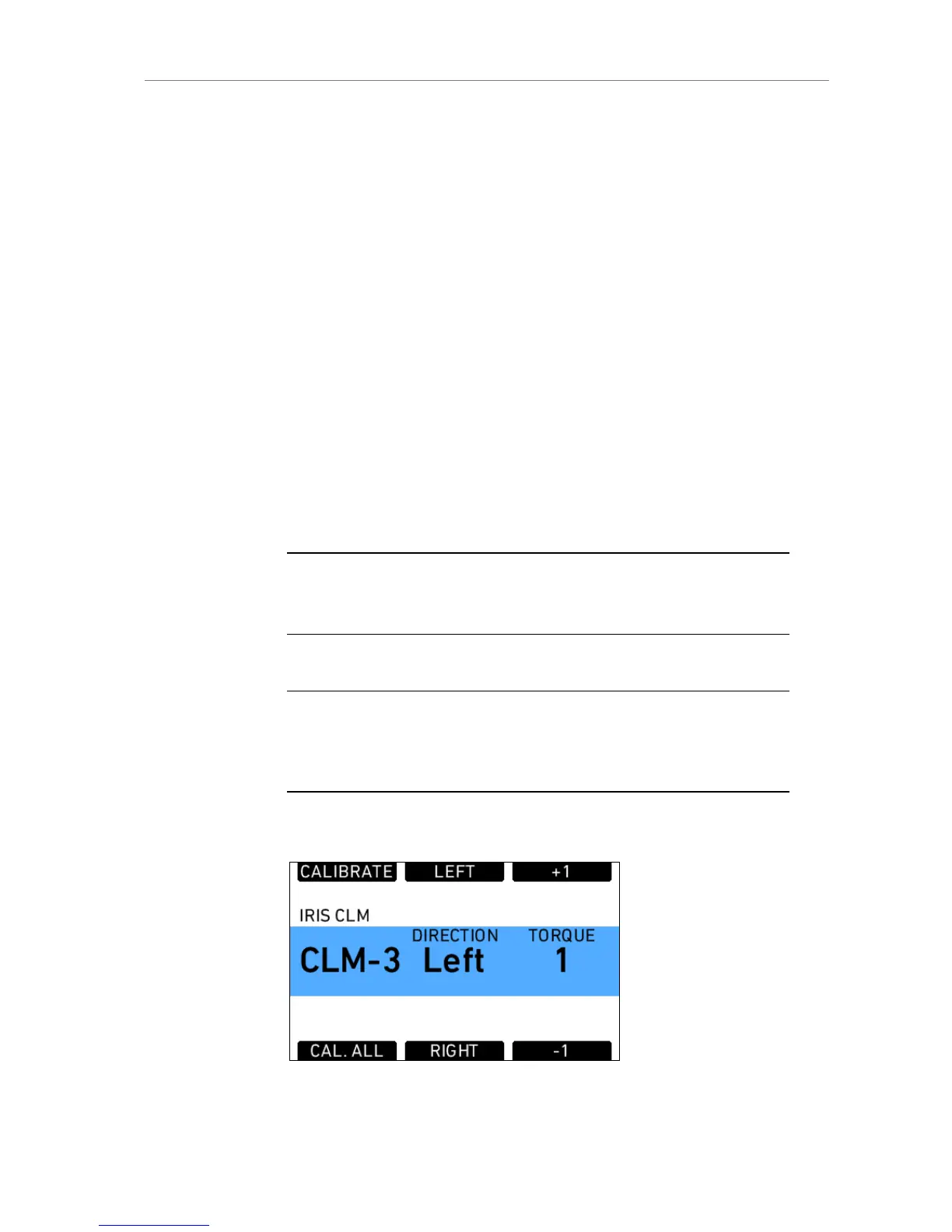
The screens for IRIS, FOCUS and ZOOM controlled lens motors all have the
same layout. They show the motor type, motor direction and motor torque.
Note: For CLM-2 motors the torque value is greyed out as torque is only active for
CLM-3 motors. It can nonetheless be changed in case a CLM-3 motor might be used
but is currently not at hand.
In addition, a lens motor calibration can be triggered, either for all lens
motors, or only for the one featured in the particular screen.
Note: When starting a motor calibration, make sure each motor's cog wheel is
connected properly to the lens. Pay extra attention that no one is close to the motors
or holding them. Catching a finger, cloth or anything else on the motor's cog wheel
can cause sever body harm as well as damage to the system.
IRIS CLM
Figure 90: Iris CLM screen











 To Next Page