130 ALEXA Plus
Shows status, direction and torque of the CLM connected to the IRIS socket.
Press the IRIS CLM screen button to access the iris CLM screen. This
screen shows the type of motor connected to the IRIS socket, its direction
and torque. Direction and torque can be changed by the screen buttons
below and above the value. The upper left screen button calibrates only the
iris motor.
Pressing the lower left screen button starts calibration of all connected lens
motors.
ZOOM CLM
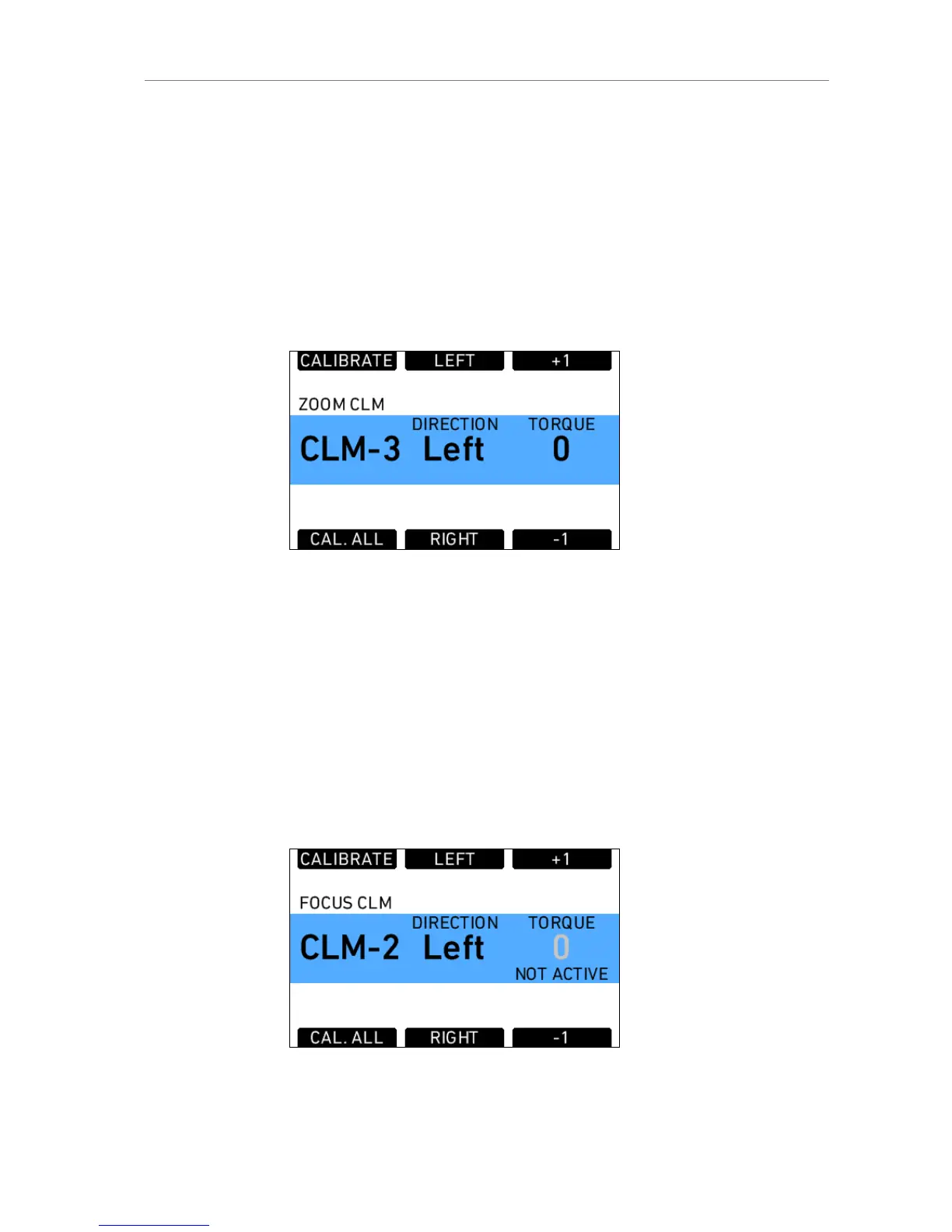
Figure 91: Zoom CLM screen
Shows status, direction and torque of the CLM connected to the ZOOM
socket.
Press the ZOOM CLM screen button to access the zoom CLM screen. This
screen shows the type of motor connected to the ZOOM socket, its direction
and torque. Direction and torque can be changed by the screen buttons
below and above the value. The upper left screen button calibrates only the
zoom motor.
Pressing the lower left screen button starts calibration of all connected lens
motors.
FOCUS CLM
Figure 92: Focus CLM screen











 To Next Page