142 ALEXA Studio
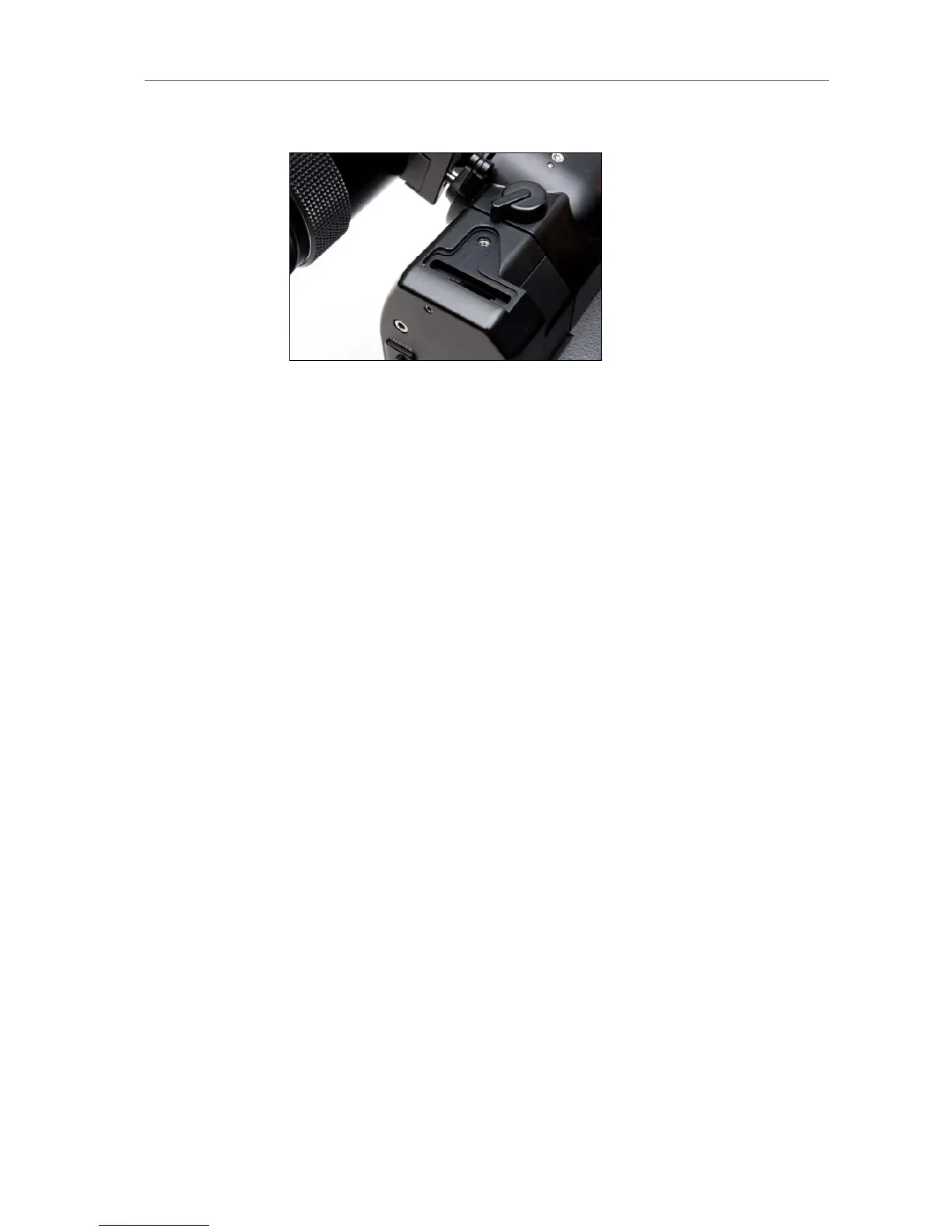
Figure 107: Glow mask slot
Anamorphic Desqueeze
Turn the wheel on top of the OVF ball element to swing the
anamorphic desqueeze element into the optical path.
Note: By default, the anamorphic element is for 2x anamorphic lenses.
It can be changed to an element for 1.3x anamorphic lenses.
Image Flip
Press the button next to the image flip symbol.
Turn the knob next to the image flip symbol until the image is fully
flipped.
To undo the flip, rotate the knob until the button jumps out and the
knob is locked again.
Diopter Adjustment
Note: Depends on the eyepiece in use. Description for default eye
piece of ALEXA Studio.
Turn the eyepiece barrel until the ground glass is in focus.
A neutral, unstructured, bright out-of-focus image content helps with
this.
Attaching the optical viewfinder
Upon delivery, the OVF is not connected to the camera and must be
installed by the user.
Remove the protective cover from the OVF by loosening its 2x 3mm
allen screws.











 To Next Page