86 Camera Controls
Anamorphic
desqueeze
Only shown if a license for anamorphic desqueeze is
active in the camera. The desqueeze can correct the
image for 1.3x and 2.0x lenses. With 2.0x lenses, the
user can choose from seeing the full sensor image
(2.0x), or only the relevant image area (2.0xmag)
while left and right image parts outside the 2.39
aspect area are cropped.
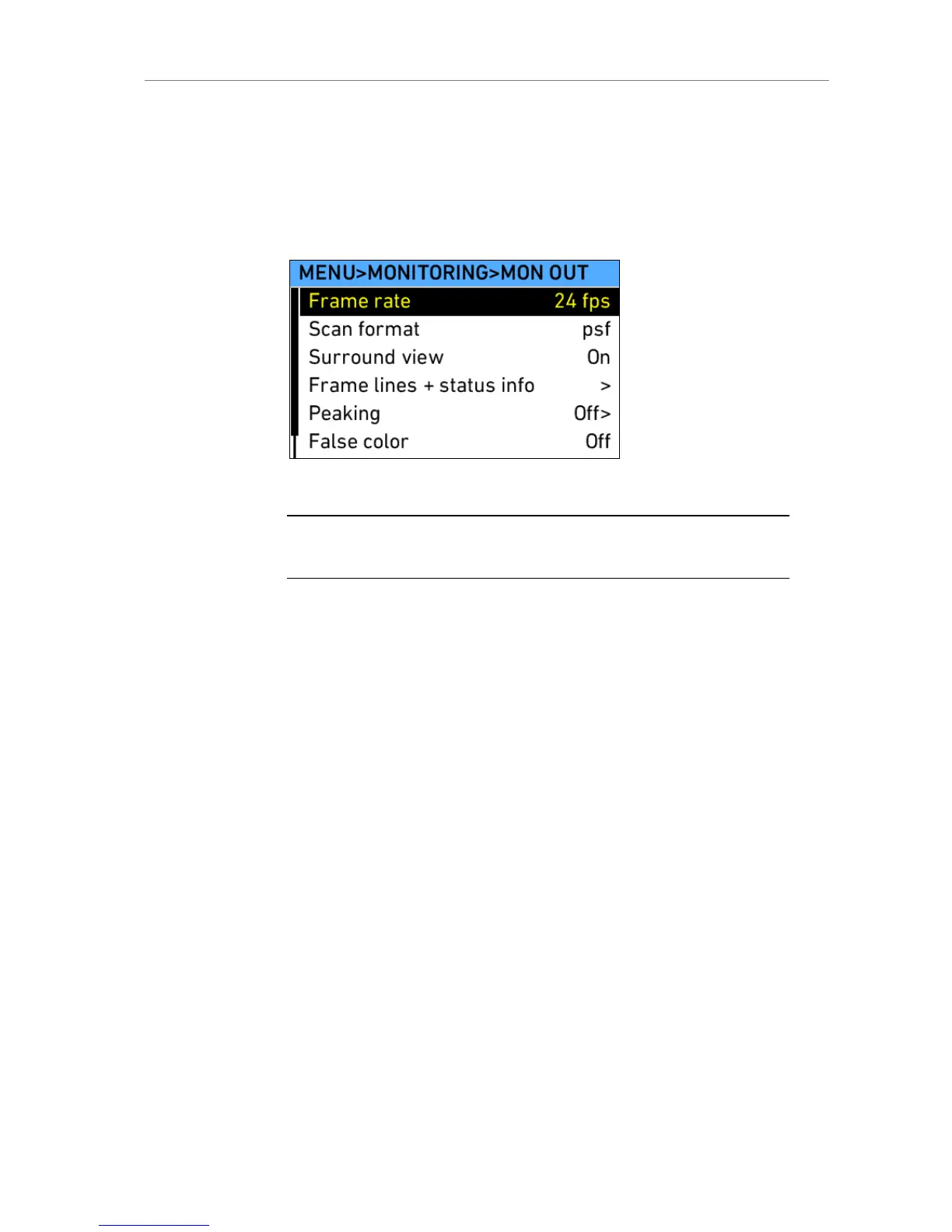
Figure 63: MENU>MONITORING>MON OUT
Note: Only use double shielded HD-SDI cables for monitoring to ensure error free
data transmission!
Frame lines + status info screen
Frame lines Frame lines are a reference for framing that typically
consist of an image frame, a center mark and an
aspect ratio reference. See the appendix for more
information on the ALEXA frame line format.
Surround mask If surround view is set to "On", it must be separated
from the recorded image area to allow proper
framing. Users can choose from different mask
levels, or a black or colored line for separation.
Center mark A center mark, either a cross or a dot can be added
to the image to help the framing.
Status info At the upper and lower edge of the EVF, right outside
the active image area, additional status info can be
displayed. The upper area contains camera image
parameters, the lower area contains camera status
infos.
Electronic level Overlay showing the horizontal levelling of the
camera. Only available on ALEXA Plus.
LDS info Overlay showing LDS lens info. Available only on
ALEXA Plus.











 To Next Page