EasyManua.ls Logo

ASEM HMI30 - Touchscreen; Table 2 Touchscreen

ASEM HMI30
91 pages
Print Icon
To Next Page IconTo Next Page
To Previous Page IconTo Previous Page
Loading...
17
Table 2
Touchscreen
2.9 Touchscreen
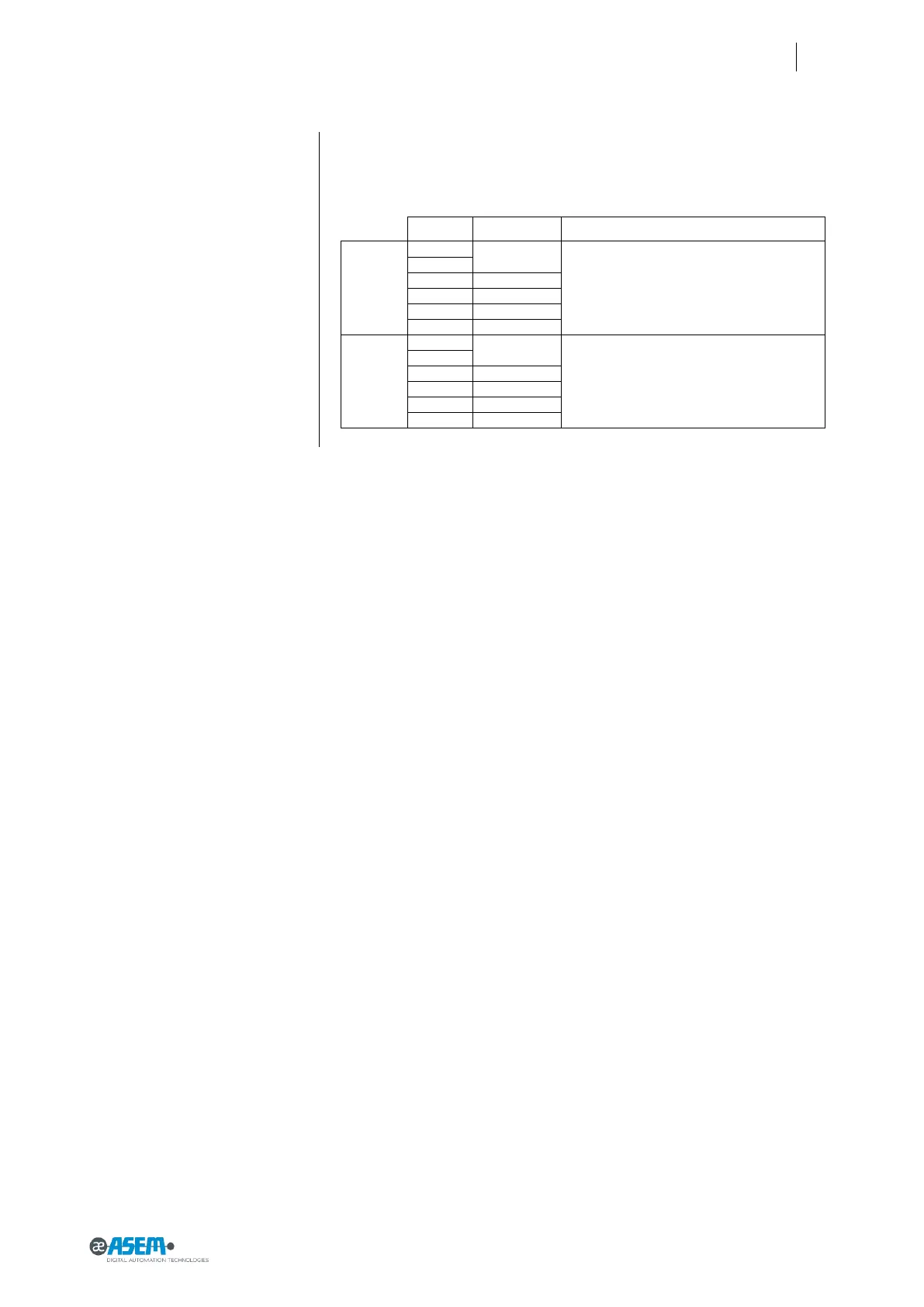
Size
Touchscreen
Panel technology
Standard
5.7”
4 - wire
The touchscreen is installed from the back of the
front panel. There is a step between the front
panel and the touchscreen.
The user touches directly the touchscreen.
7.0” wide
8.4”
5 - wire
10.4”
5 wire
12.1”
5 wire
15.0”
5 wire
True Flat
5.7”
4 wire
The touchscreen is fully planar with the alumini-
um front panel. No step. The touchscreen is cov-
ered by an overlay film (polyester) which is glued
to the touchscreen with an optically clear adhe-
sive (OCA) for improved optical performance
7.0” wide
8.4”
5 wire
10.4”
5 wire
12.1”
5 wire
15.0”
5 - wire

Table of Contents