48
SECTION 5 – Commissioning a project
Figure 58
Starting the project
Figure 59
Starting the project
5.4.2 Starting the project
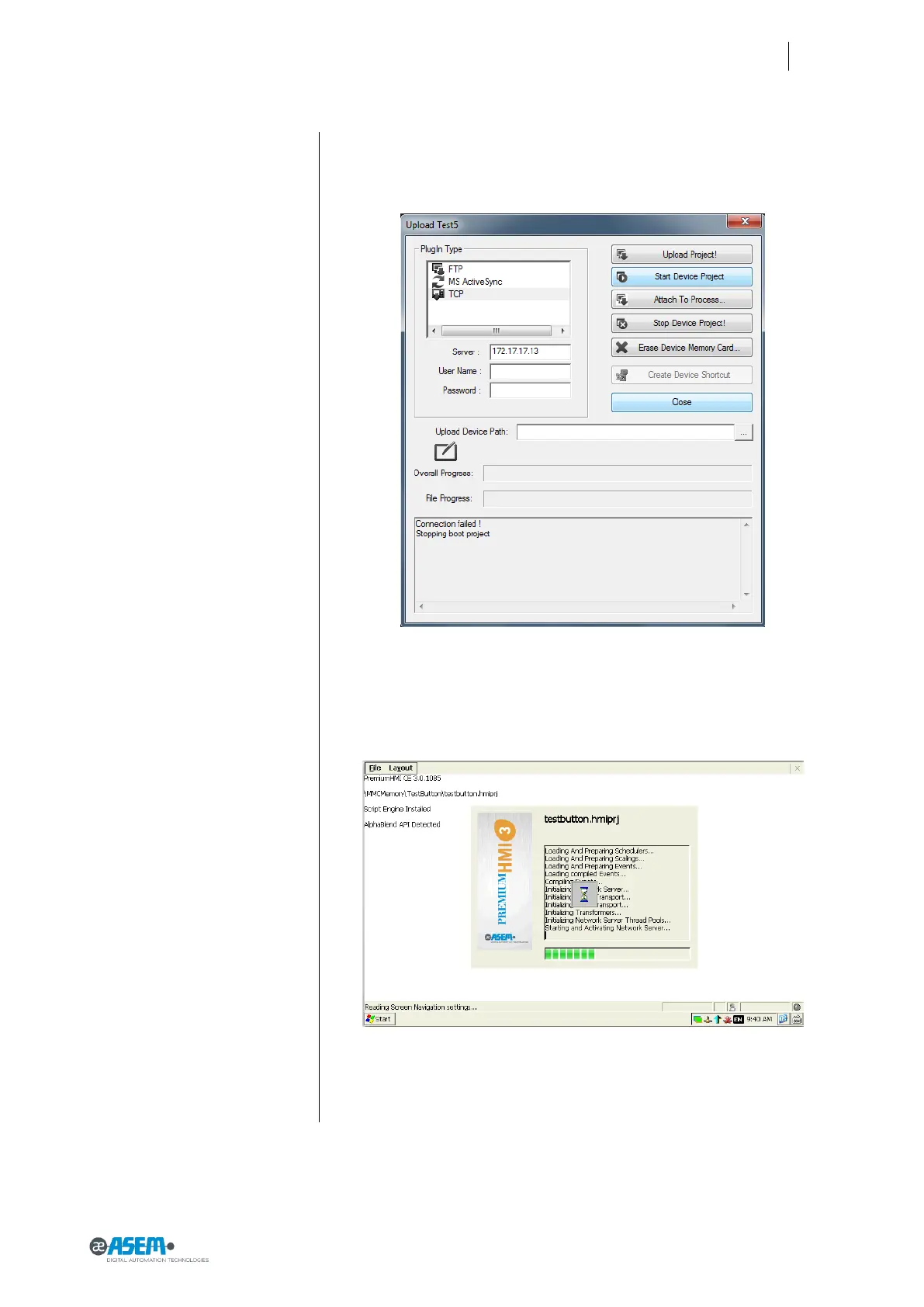
To start a project in HMI30 by using the configuration PC you must:
8. Select TCP in the upper left list
9. Write the IP address of HMI30
10. Click on the button “Start Device Project”
You will see the HMI30 project starting (see below).
If there isn’t a project in HMI30 you will have an error



 To Next Page