33
HMI30 / HMI30-TF User’s guide
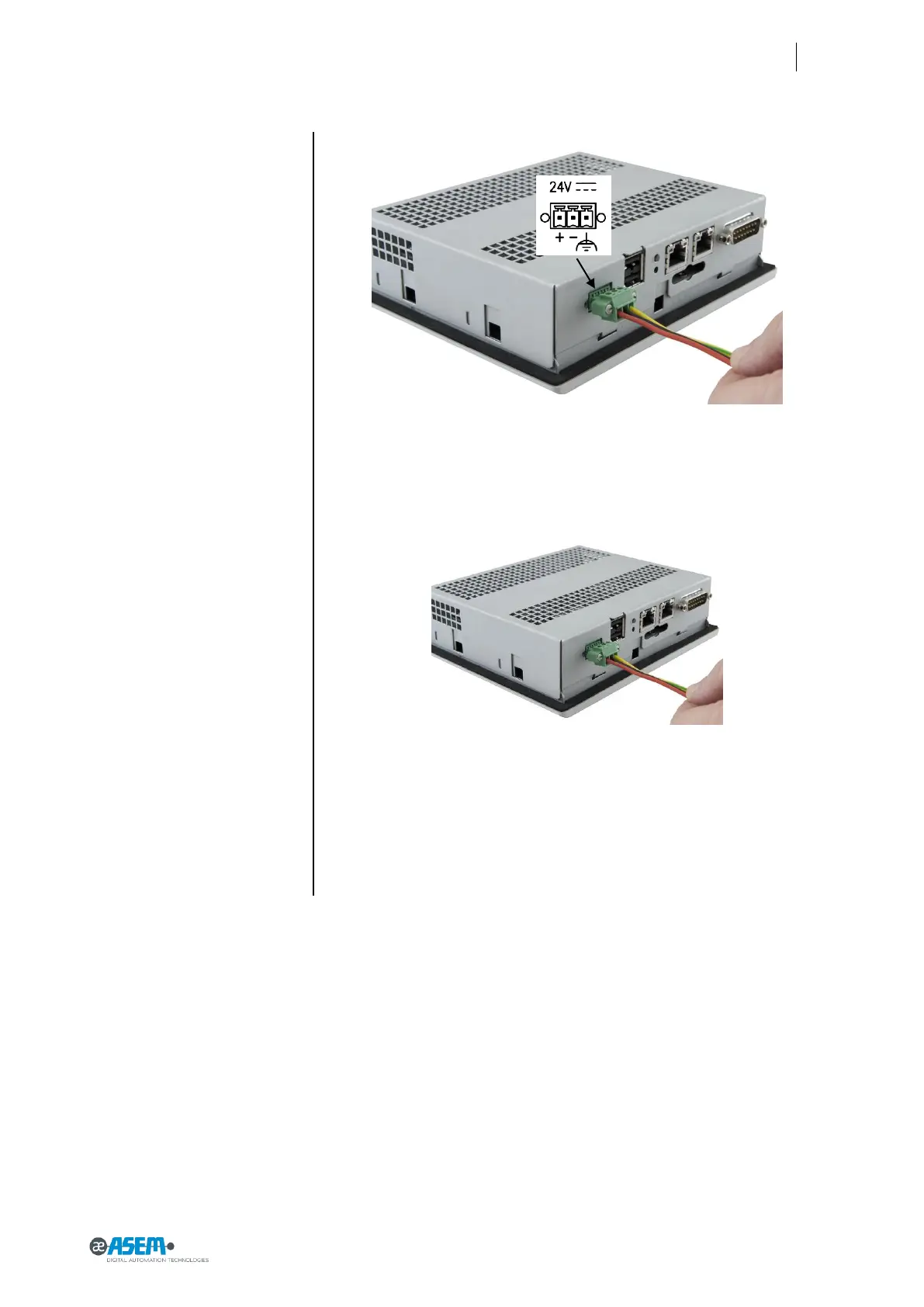
Figure 35
Power supply connection detail
Figure 36
Power supply connection detail
3.8.4 Switching on and testing the HMI Device
Connect the power supply cable to HMI30. Switch On the power supply. The
green led will light.
The display will switch on accordingly, and after few seconds the Windows CE
desktop will appear.



 To Next Page