18
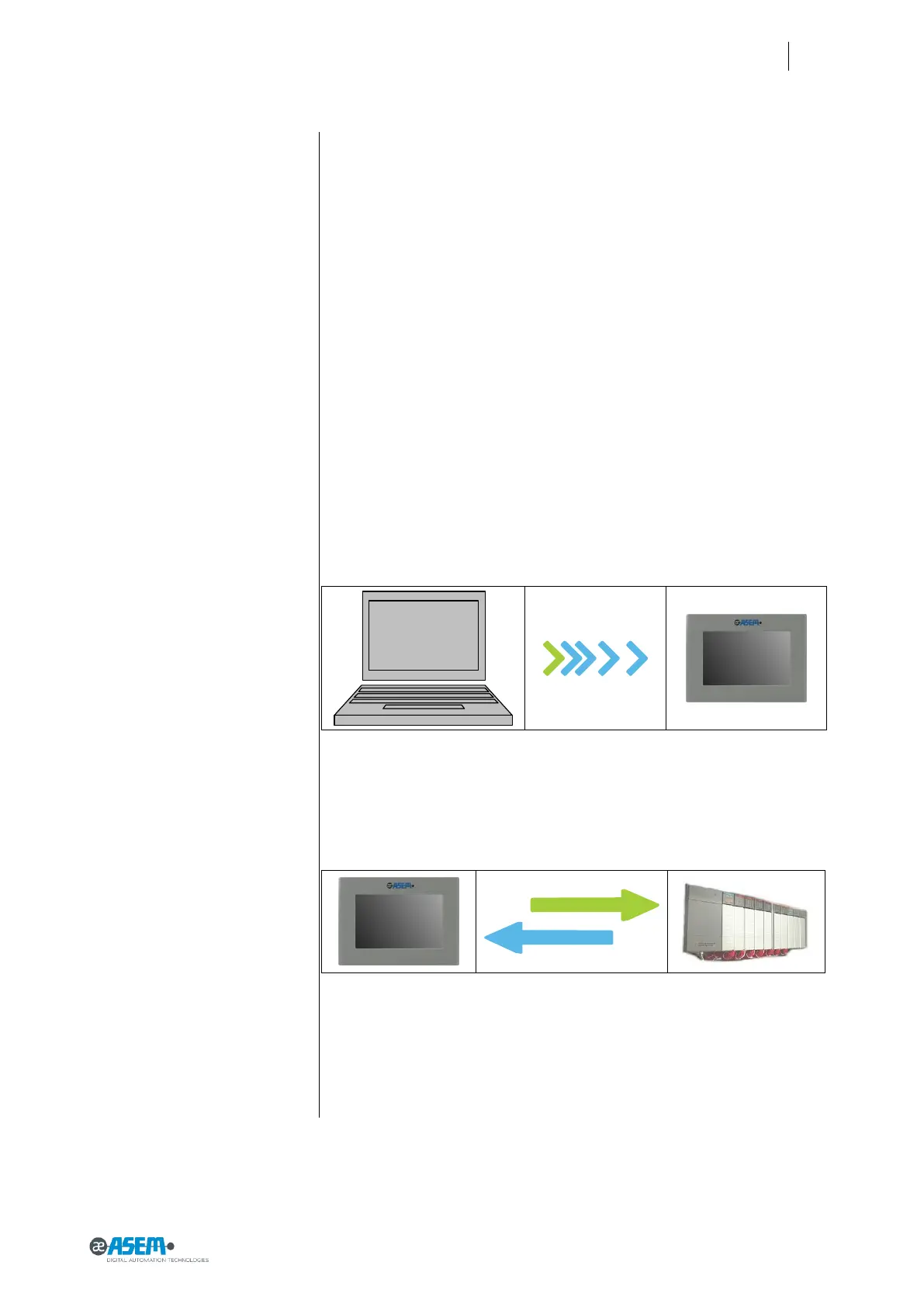
Figure 17
Configuration and project creation
Figure 18
Process management
2.10 Putting in operation HMI30
To put in operation HMI30 the followings two phases must be done:
● Configuration and creation of the project of HMI30.
● Process management.
2.10.1 Configuration and project creation
During the configuration phase, you create the user interfaces for operation
and monitoring of the technical process by using a PC on which is installed Pre-
mium HMI development environment. Configuration also includes:
Creating the project.
Saving the project.
Testing the project.
Simulating the project.
After compiling the configuration, you load the project into the HMI30 device.
2.10.2 Process management
Process management is a two-way communication between HMI device and
PLC.


 To Next Page