40
SECTION 4 – Commissioning the device
Figure 45
Commissioning the device
4.1 Backup design
HMI30 comes as standard with 2 memories: a NAND Flash and a e-MMC
memory. The purpose of the NAND memory is to store the boot loader (used
during the start-up of HMI30), the operating system and all the executable
needed to HMI30. Writing to the NAND memory can be switched ON and OFF
by means of a special program in order to protect the integrity of the date
stored into the NAND memory.
The e-MMC memory can be used to store other data, like process data or other
executable. It is not possible to disable writing into eMMC. You can always read
and write the eMMC memory. The purpose of this memory is to store data pro-
duced during the running of the machine or plant supervised by HMI30.
4.2 Internal memory
The NAND memory, as default is read only. In this way is protected from losses
of data, but the NAND memory can be made writable.
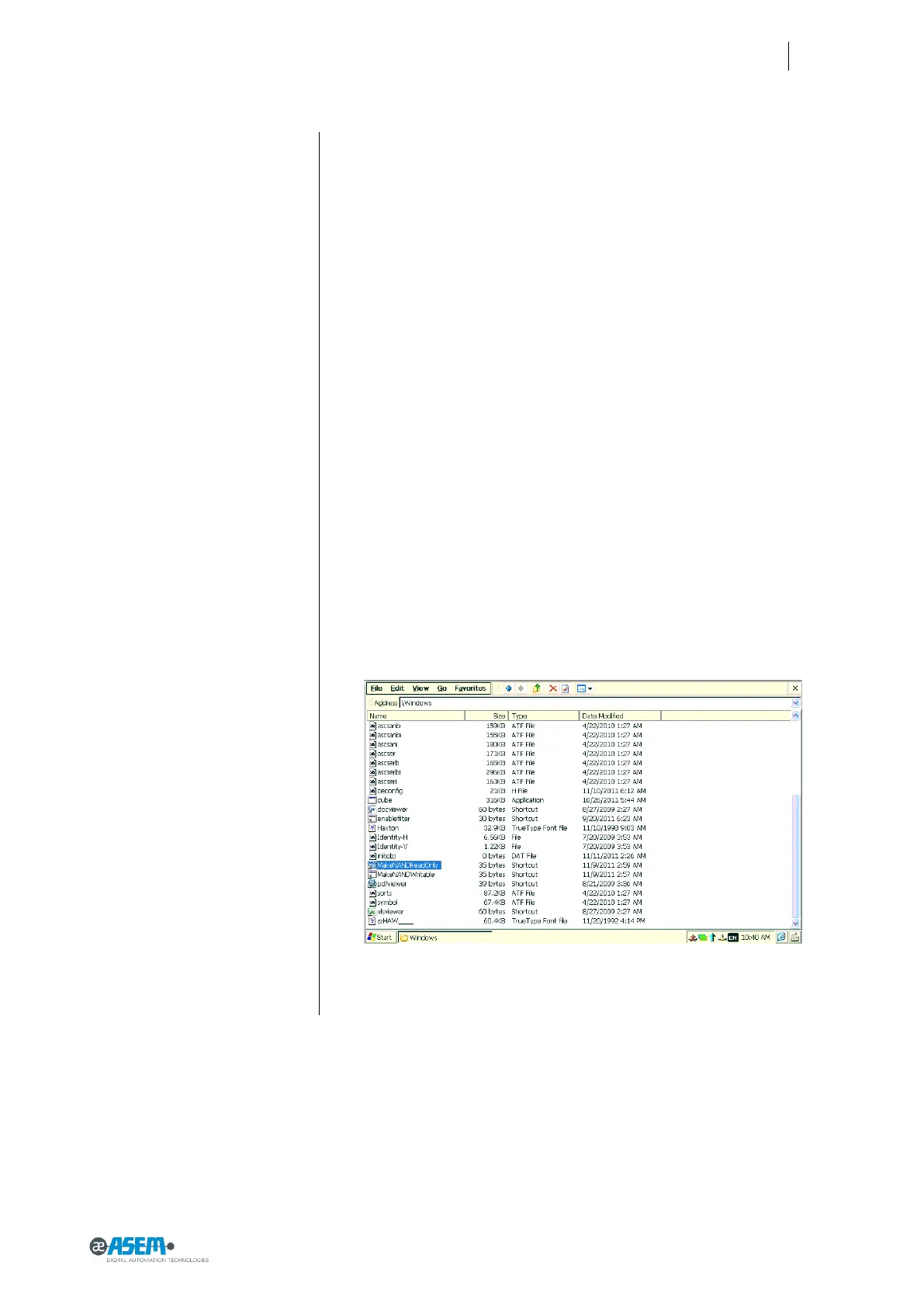
To make the NAND memory writable you must go into the Windows folder of
HMI30 and click on MakeNANDWritable (see picture below). In this way you can
store some exe you want to keep safe. After the operation you can make the
NAND memory read only as before.
To make the NAND memory read only you must go into the Windows folder of
HMI30 and click on MakeNANDReadOnly (see picture below)



 To Next Page