38
SECTION 3 – Installation and connection
Table 25
Procedure
Figure 44
Connecting the configuration PC
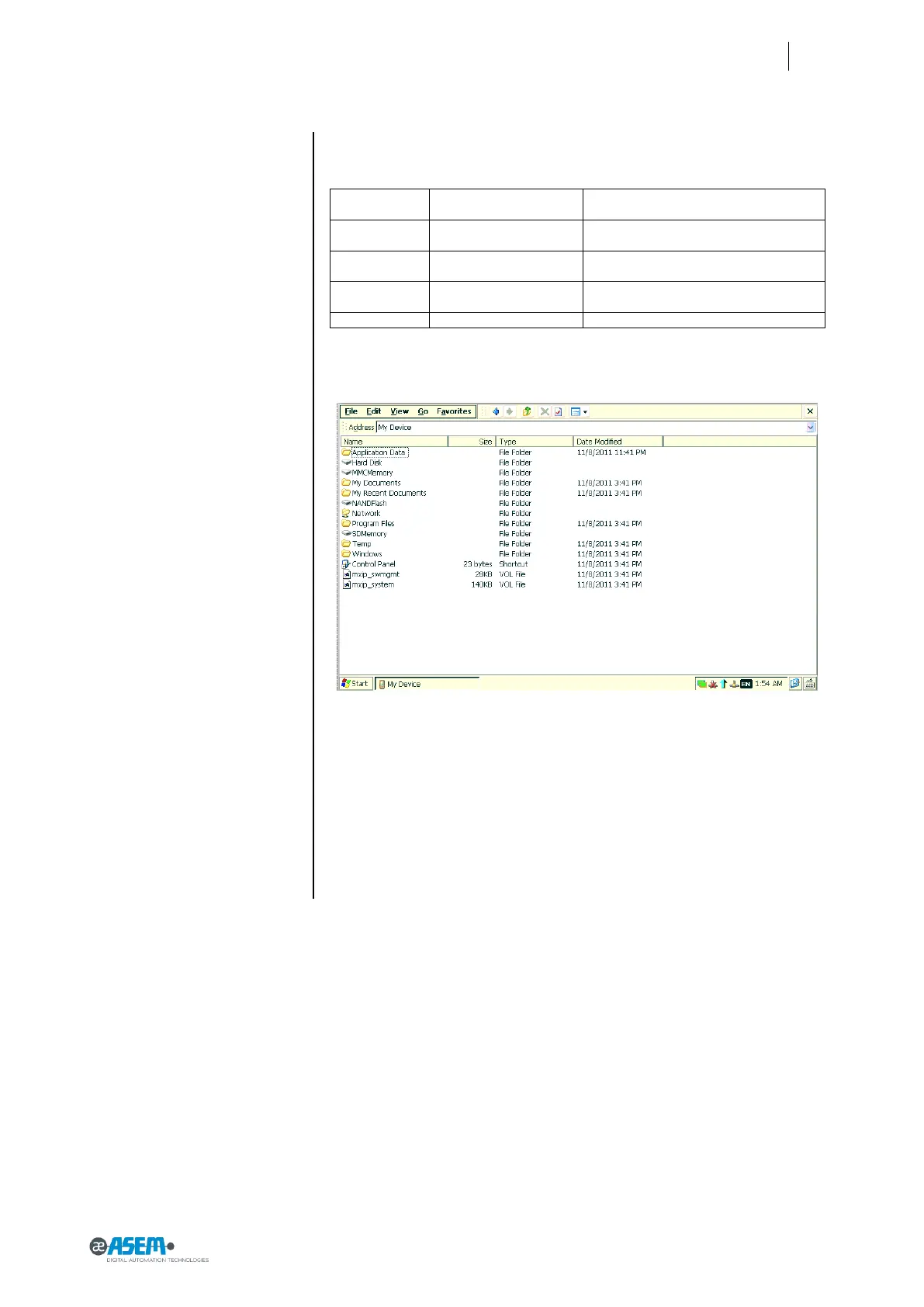
Note: the name of the memory card are according to the following table:
Name used by Windows
Explorer
Internal memory used to store the operat-
ing system. It is a read only memory.
Memory to store data and executables.
Read and Write memory.
Removable Memory. Read and Write
memory.
USB key inserted into a USB port of HMI30.
In the picture below an example of file Explorer on HMI30.


 To Next Page