52
SECTION 5 – Commissioning a project
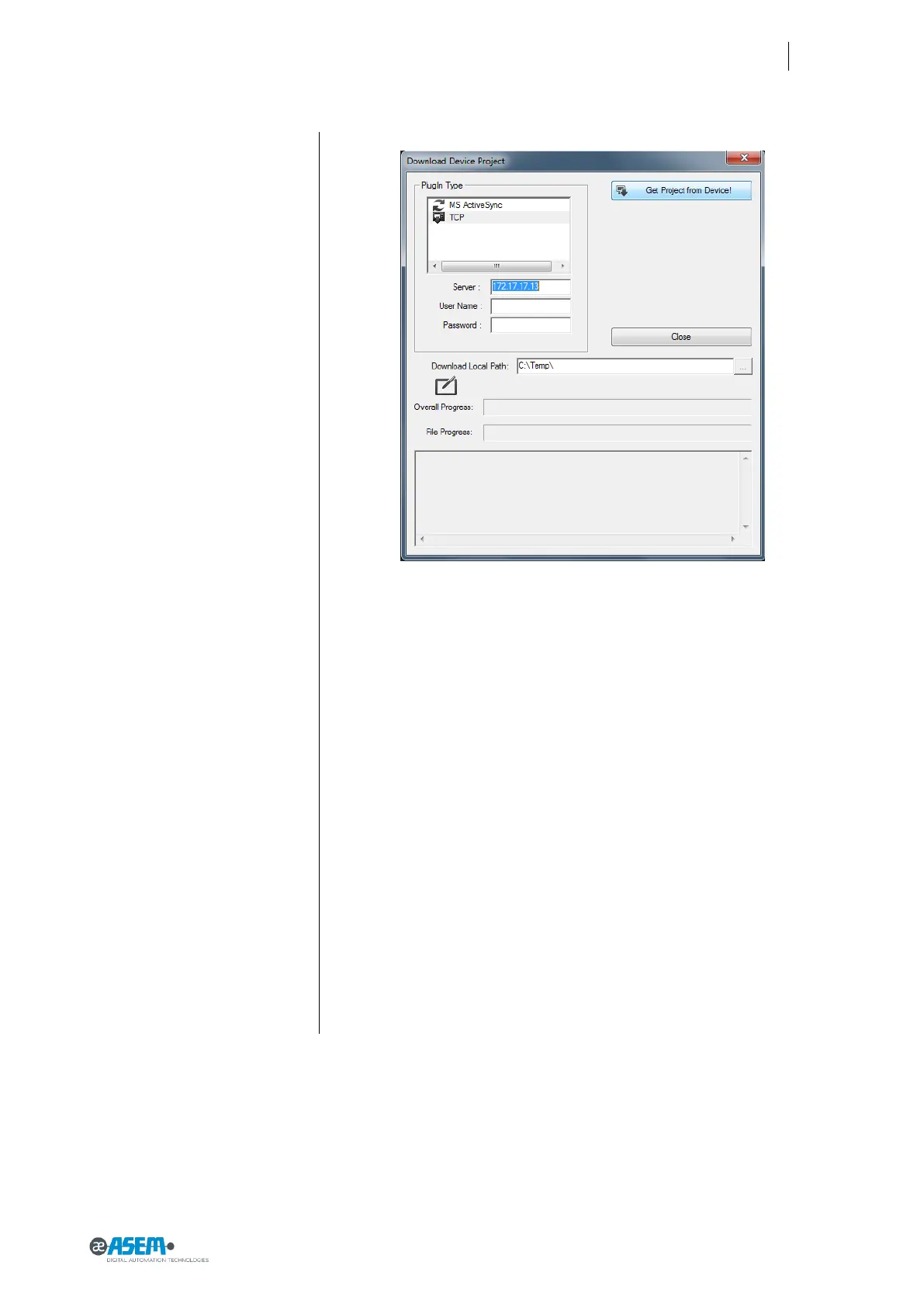
Figure 65
Debug the project
After the transfer of the project you will see the project explorer containing the
project resources in Premium HMI and you will able to check, test and change
the resources of the project
5.5 Backup and restore
HMI30 has tools to backup and restore the contents of its internal memory in
order to manage the project and the operating system of HMI30. For more in-
formation please contact the support center of ASEM.
5.6 Updating the operating system
Please contact the support center of ASEM.


 To Next Page