55
HMI30 / HMI30-TF User’s guide
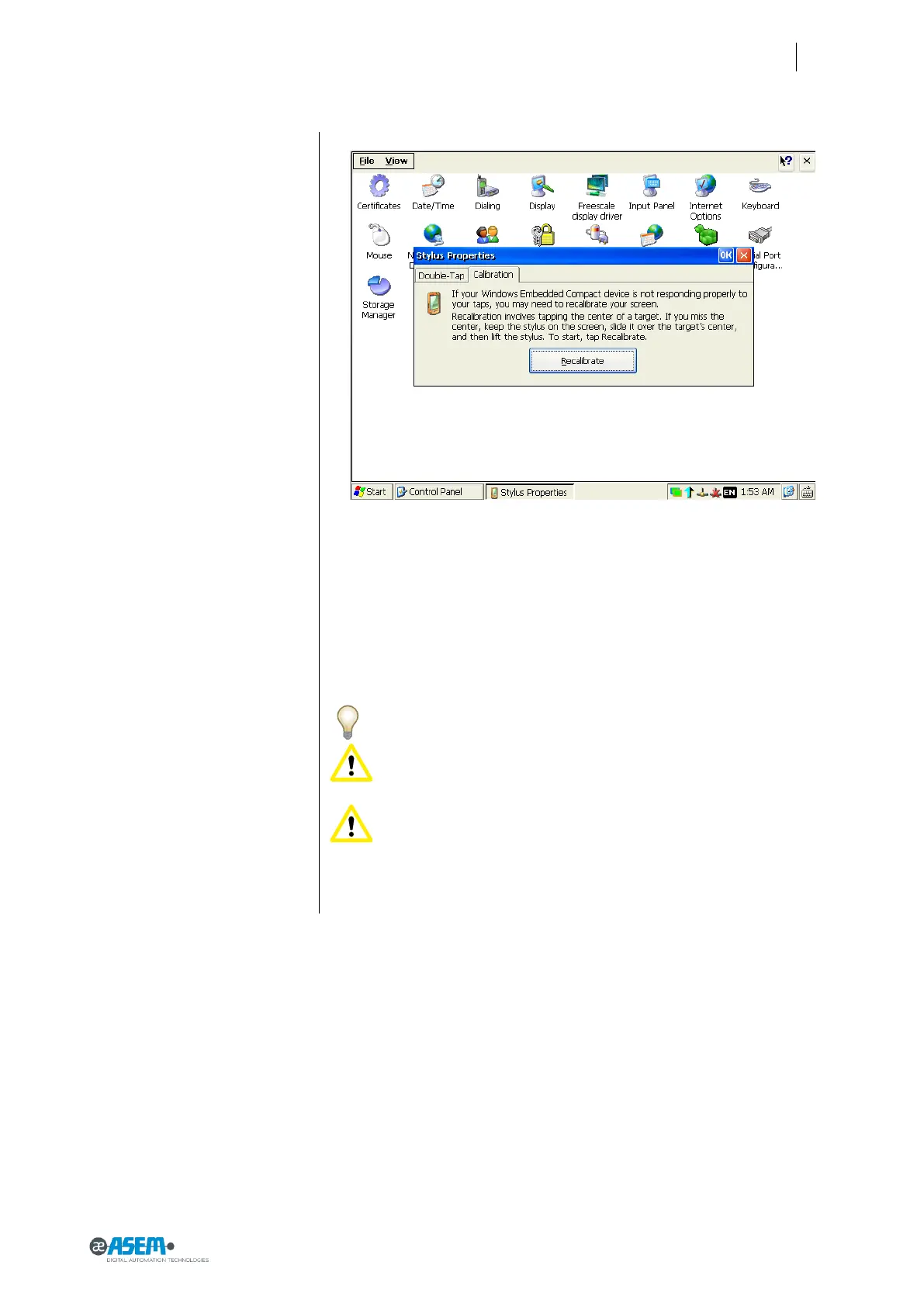
Figure 68
Calibration of the touchscreen
Click on the “Recalibrate” button and follow the instructions.
6.2 Maintaining & cleaning
HMI30 is designed for maintenance-free operation except for the replacing of
the battery backup when necessary. It is recommended to clean the
touchscreen with a damp cleaning cloth and a display cleaning solution.
Note: clean the front panel of the system with a soft damp cloth only.
Attention: Do not use detergents, solvents, cleaners or objects that
could scratch the surface.
Attention: switch off the power before any cleaning operation.


 To Next Page