46
SECTION 5 – Commissioning a project
Figure 55
Configuring the serial port
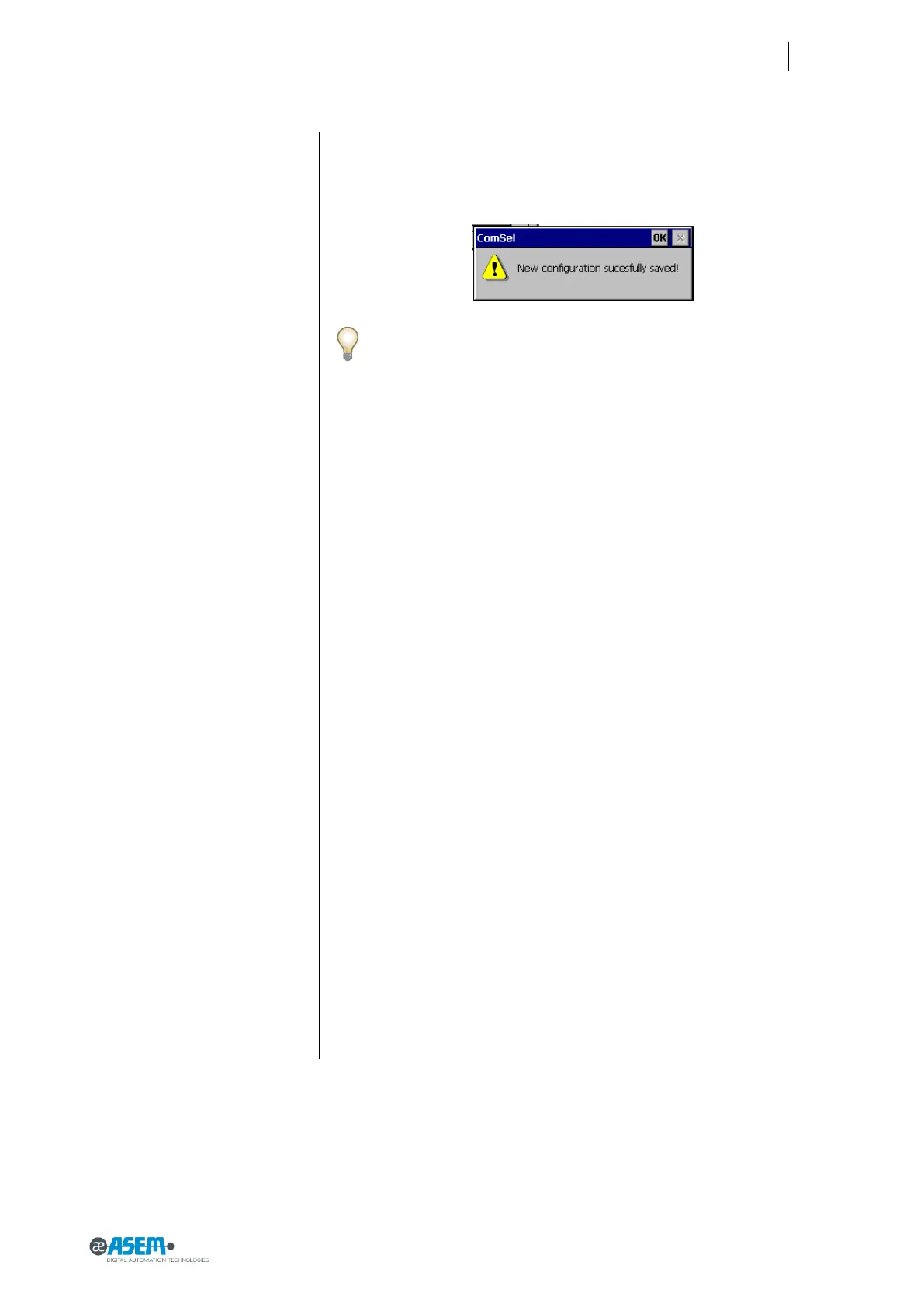
And confirm by pressing the “Apply” button. A warning message will raise, ad-
vising to store that new configuration is active and saved a permanent way.
This applet can be used just to check which serial communication mode
is active; in this case it is enough to push the “red cross” on the high right
side of the panel (fig 54).
Please note that MPI mode cannot be selected: when this protocol will
be used by HMI software all required settings will be applied automati-
cally.
5.3.1 Connecting the serial port
A unique DB15 male connector hosts all serial protocols (please check par. 7.4
for pin-out details) so it is necessary to adapt this connection to plant needs;
Asem can supply connector adapters as optional parts but user can adapt DB15
connector by himself.
For further details please contact ASEM
5.4 Managing the project
HMI30 has powerful tools to manage a running project. With the same mask
used to transfer the project (see below) you can also:
1. Stop the HMI30 project from the configuration PC
2. Start the HMI30 project from the configuration PC
3. Debug the project from the configuration PC
4. Transfer the project from HMI30 to the configuration PC.


 To Next Page