EFD1000 Installation Manual
DOCUMENT # A-01-126-00 PAGE 143-225 Revision H
© Copyright 2009 Aspen Avionics Inc.
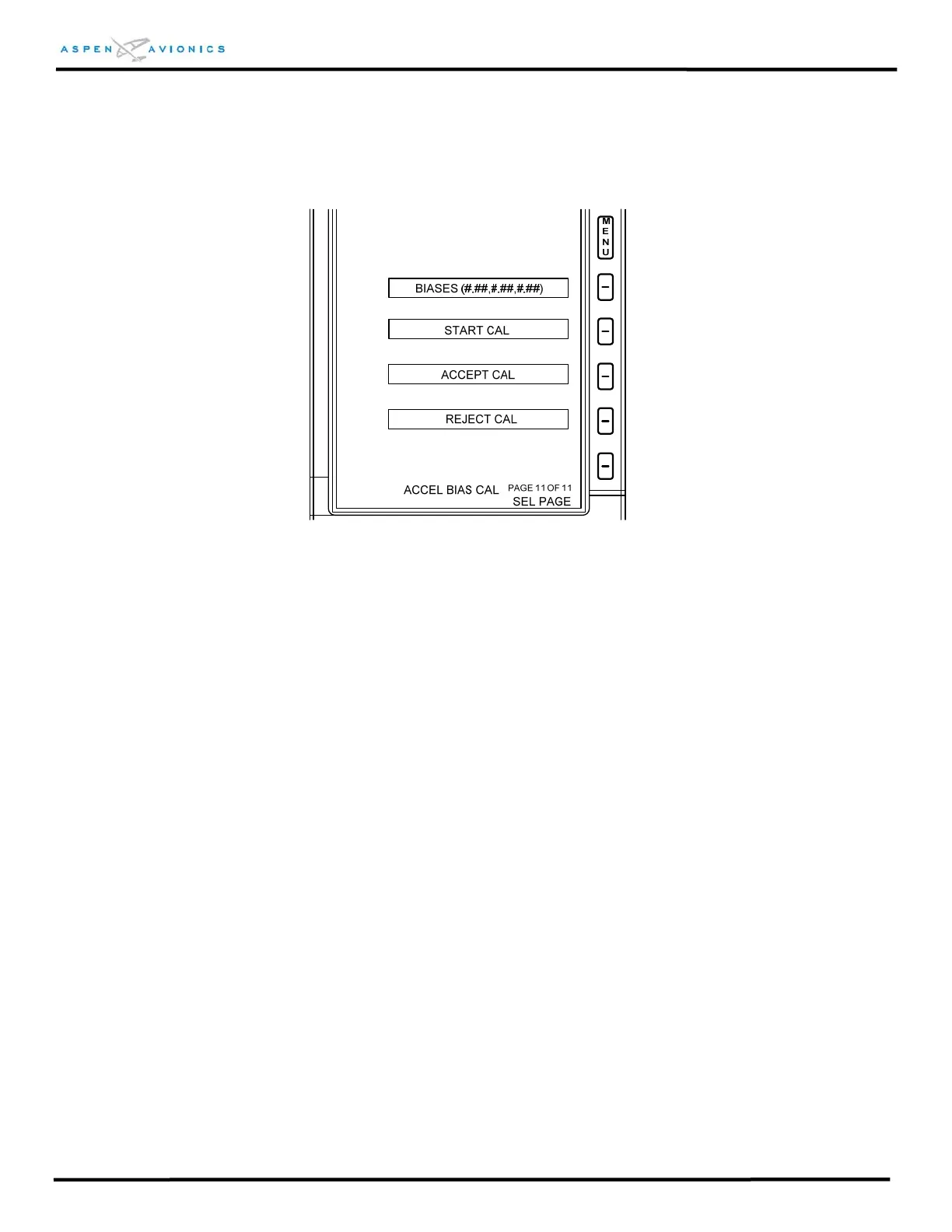
INSTALLATION MENU PAGE 11 – ACCEL BIAS CAL
Installation Page 11 is for Factory Calibration only and has no installation purpose.
Figure 10.23 – Installation Menu Page 11
EXITING / SAVING DATA
To exit the Installation Menu press the MENU button. All data will be saved as it was
displayed on each page. The system will reboot and “INITIALIZING” will appear on the
display for approximately 15 seconds. Normal operation continues.



 To Next Page