Ch. 13. Cell Body and Sample Stage Guide Sec. 13.4. Tutorial: Sample Stage Swap
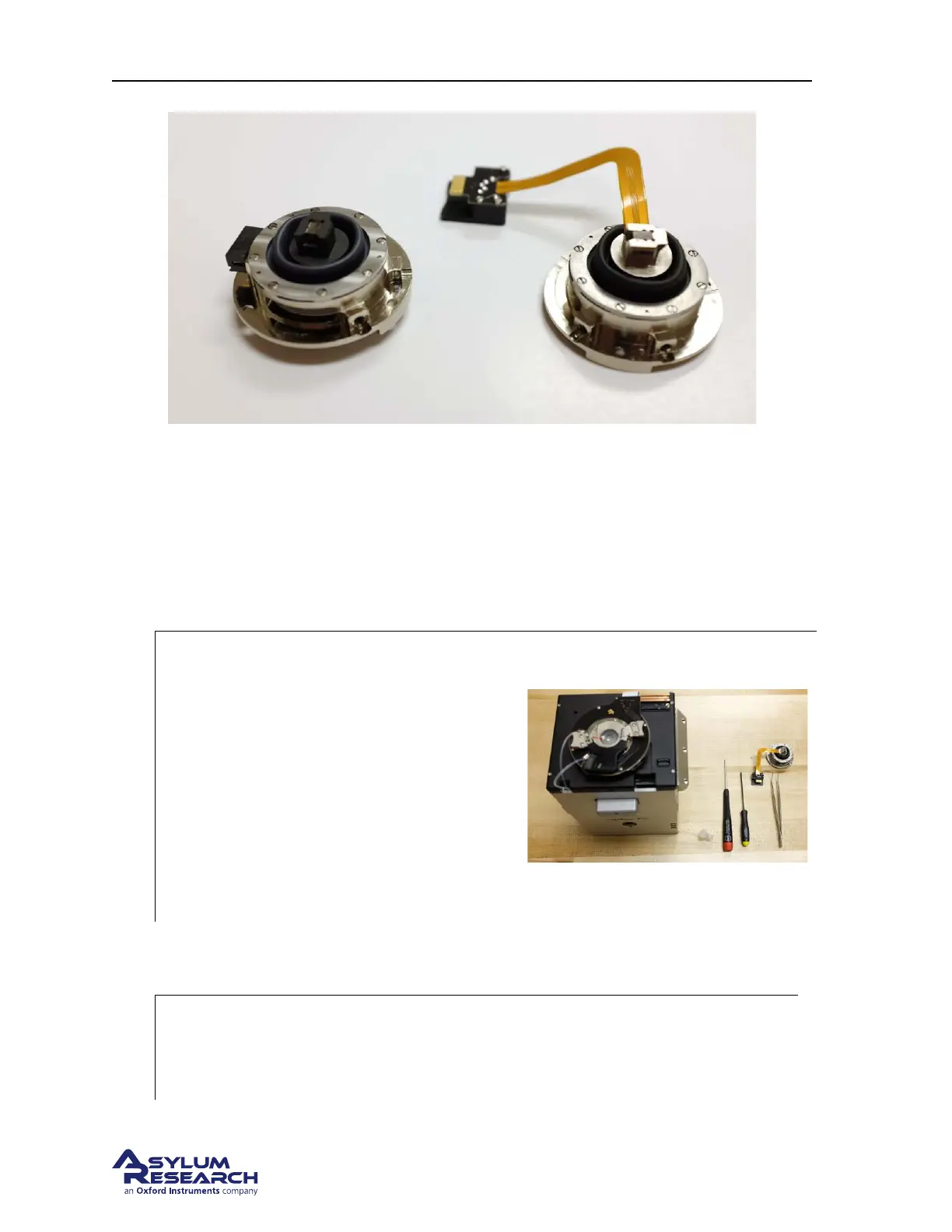
Figure 13.7.: Ambient stage / fluid cell body combination on the left. Heater stage / Gas cell body combi-
nation on the right.
13.4.1. Required Materials
This tutorial is designed to be performed, not merely read. If possible, take the tutorial under the
supervision of an experienced user (tell them to mostly sit back though, or you will not learn as much
as you would by yourself).
1.
Prepare your materials: It will be
necessary to gather a few items prior to
beginning the tutorial:
a) Tweezers, preferably with curved tip
(for example, Asylum Part #290.102)
b) 1/16” Hex Driver (Asylum Part
#290.130)
c) 5/64” (2mm) Hex Driver
d) Sample stage already attached to a cell
body.
13.4.2. Prepare the scanner
1.
Remove the cantilever holder:
• Remove the cantilever holder and place it, cantilever tip facing UP, to the side. See
Step 6 on page 132 and the following few steps.
DRAFT
Page 165



 To Next Page