Ch. 18. Laser Sources Sec. 18.4. Troubleshooting
18.4.1.2. Plugging the Light Tube Cable Back in
18.4.1.3. Installing the Enclosure Cover
Warning
The enclosure top is the only thing keeping your Cypher SPM from sliding around
inside its enclosure. Be especially careful while removing and replacing the cover
and in general any time the cover is missing. The SPM is heavy, but it can slide
around. If it does slide around, the electrical connections to the SPM can be
dislodged or even damaged.
1. Make sure the right door is still open.
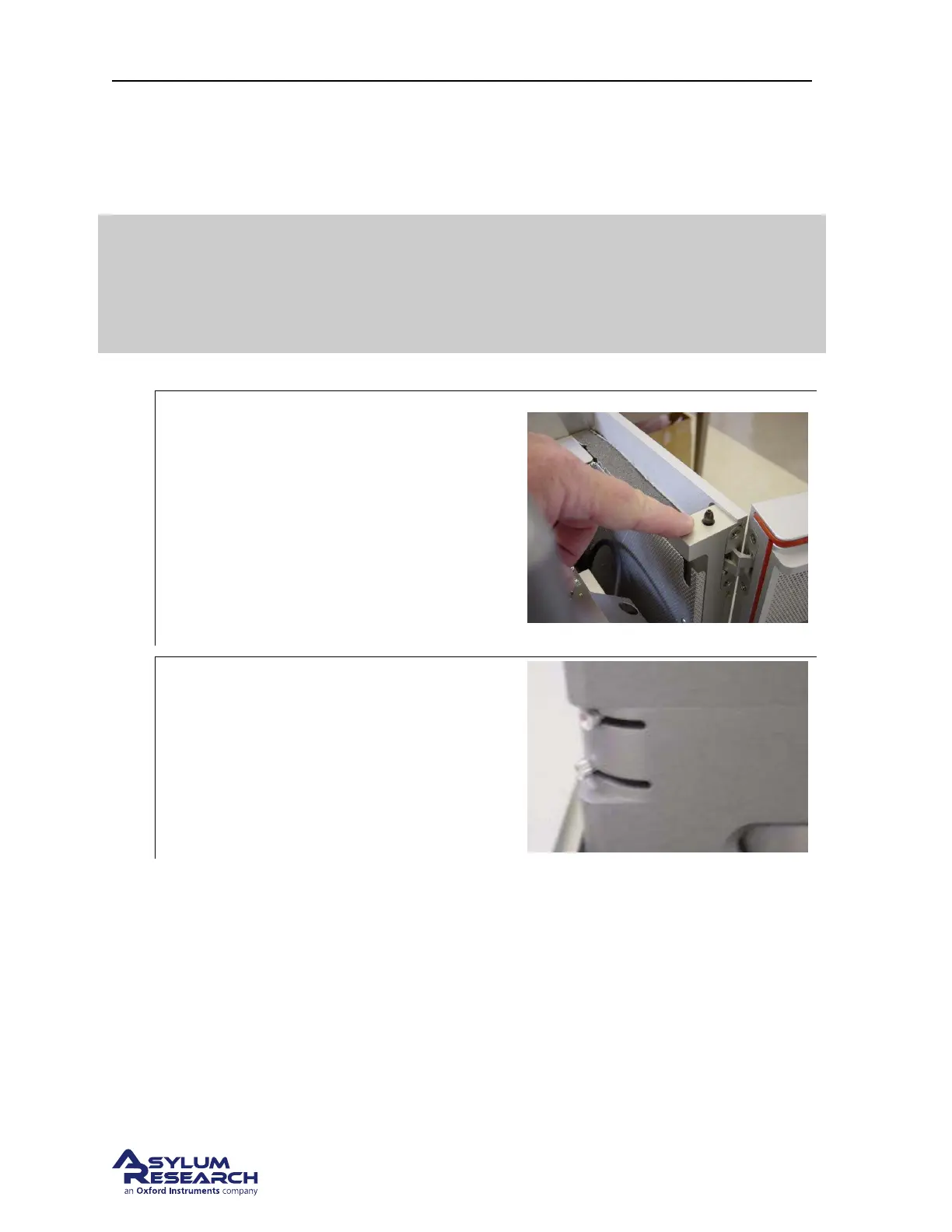
2.
Note alignment pins:
• Note the pins which help the top cover
align and finds its proper place.
• When the top cover is removed, the
weight of the doors can bend the
enclosure’s vertical support outward.
When the cover is pressed in place,
these pins will pull everything back into
alignment.
3.
Adjust view system sliders:
• Adjust the view system slider controls
to their half-way positions. This puts
them safely out of way of the top cover.
4. First Lower the rear of the top cover down to fit it into the enclosure.
5. Then Lower the front of the top cover down and fit it onto the two alignment pins.
6. Adjust the position of the cover until it fits on the enclosure without any force applied.
BETA
Page 201



 To Next Page