Ch. 6. Fluid Imaging in a Droplet Sec. 6.3. Preparing for Imaging
1.
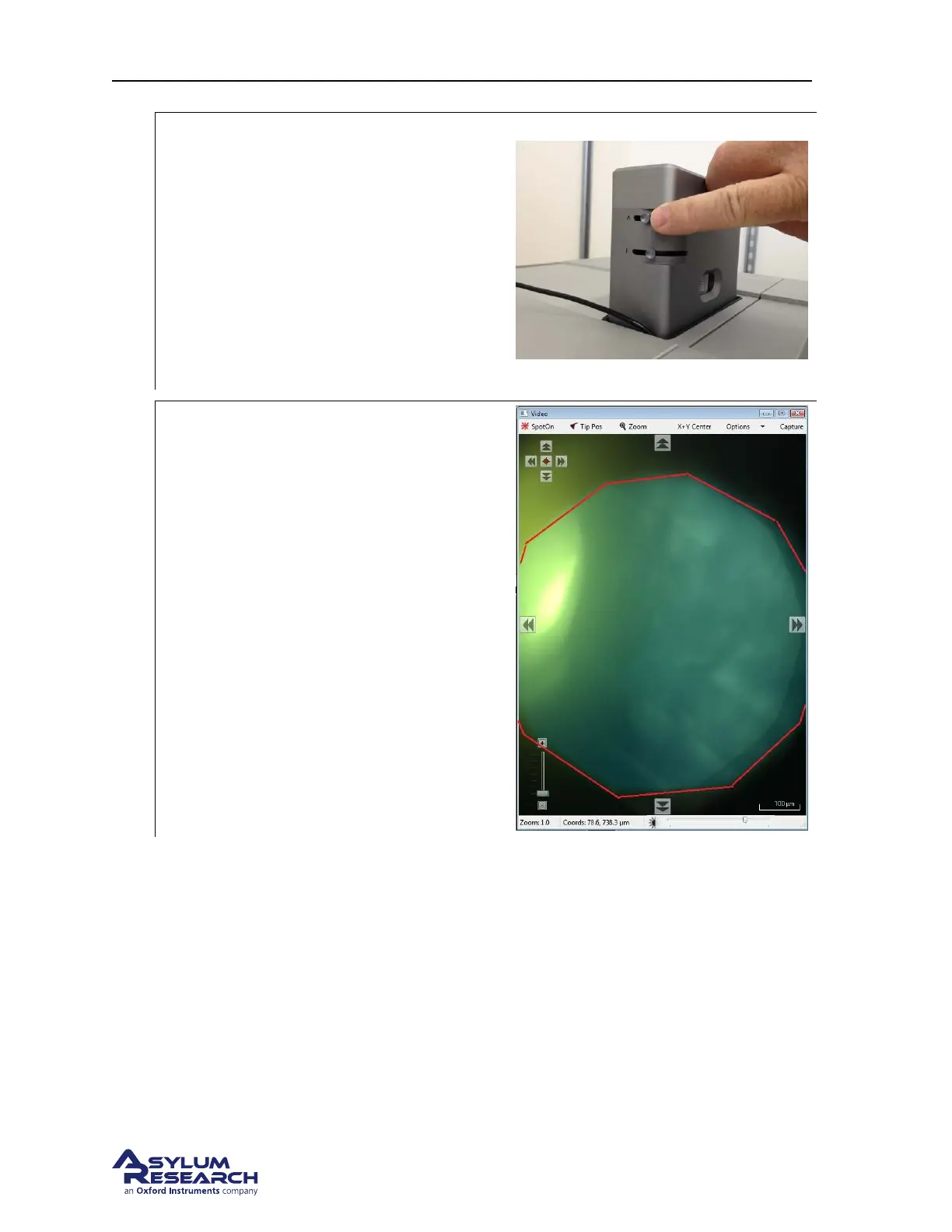
Adjust the aperture diaphragm:
• Adjust the Aperture Diaphragm lever (
labeled A) on the View Module to
reduce the illumination by about 90%.
• In the software, increase the
illumination brightness to compensate
for the reduction of light. This will help
increase the image contrast and in many
cases this is enough to see fine surface
details.
2.
Adjust the aperture diaphragm:
• Adjust the Field Diaphragm lever
(labeled F) on the view module until the
edge of the aperture comes into view in
the video image.
BETA
Page 63



 To Next Page