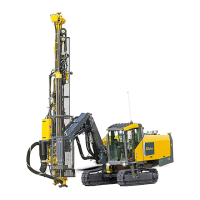
FlexiROC T30 R 4 Operation
90 No: 2969809547.1.2969824267 en-US
5.
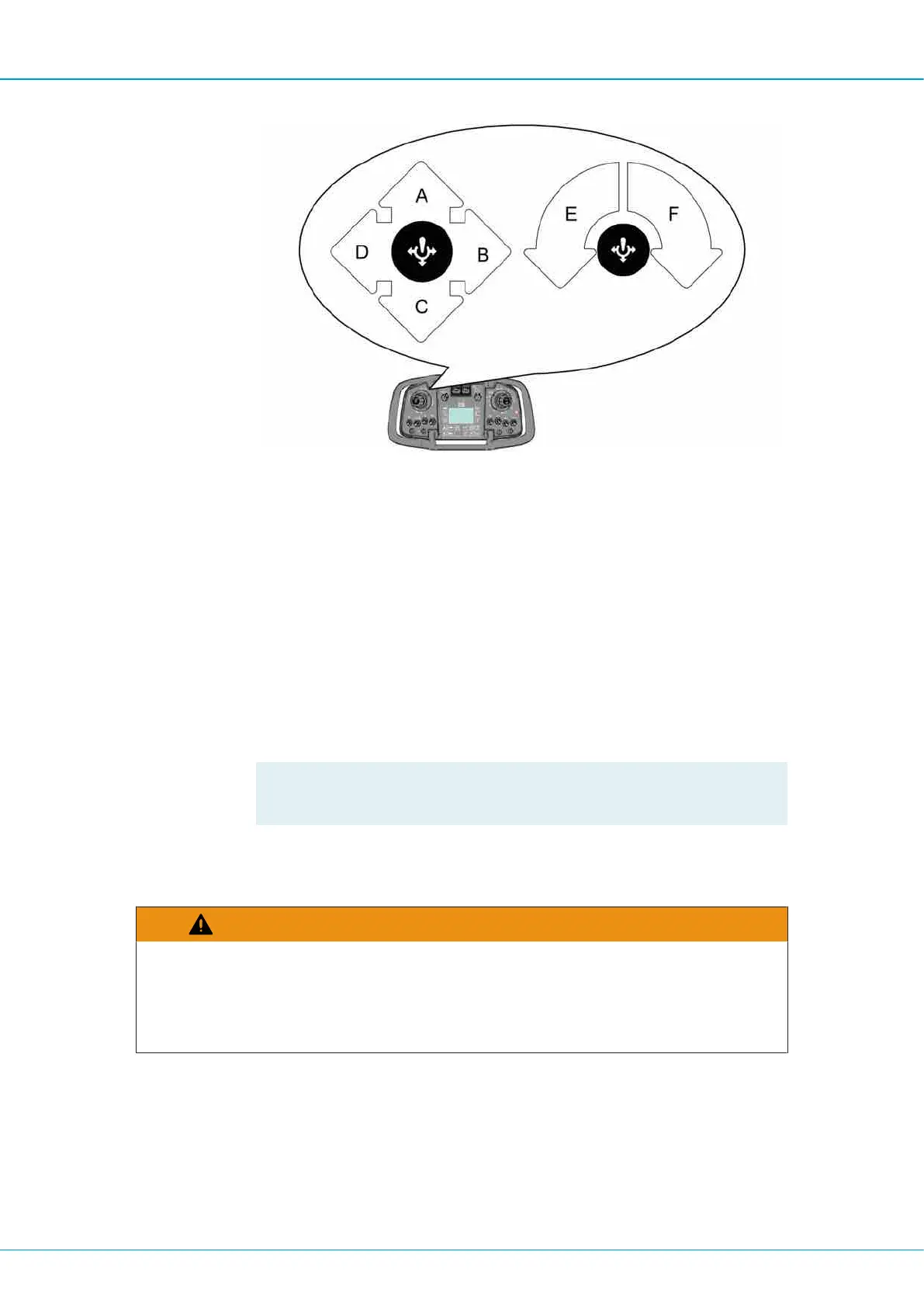
Move left multi-function lever to sector (C) to move the drill rod out from the carousel
to drill center.
6.
Move left multi-function lever to sector (C) to obtain hard grip.
7.
Move right multi-function lever) to sector (G) to thread the drill rods into the rock drill.
8.
Move left multi-function lever to neutral position to obtain loose grip.
9.
Move right multi-function lever to sector (G) (threading) until both joints are tightened.
10.
Move right multi-function lever) to sector (E) to open the claws.
11.
Move left multi-function lever to sector (A) to move back the rod handling arms.
12.
Move left multi-function lever to sector (B) to load a new drill rod into the rod handling
arms.
!
NOTE: The claws open automatically when rotating the carousel.
4.4.14 Adding Extension Rods with RAS
WARNING
Moving Parts
Can cause serious injury or death
u Never stand close to the drill rod when closing the drill supports.


 To Next Page
 Loading...