FlexiROC T30 R 3 Controls and Instrument
49 No: 2969809547.1.2969824267 en-US
l If the error message remains after restart, contact the Atlas Copco service or-
ganization.
3.5.17 Timeout Function
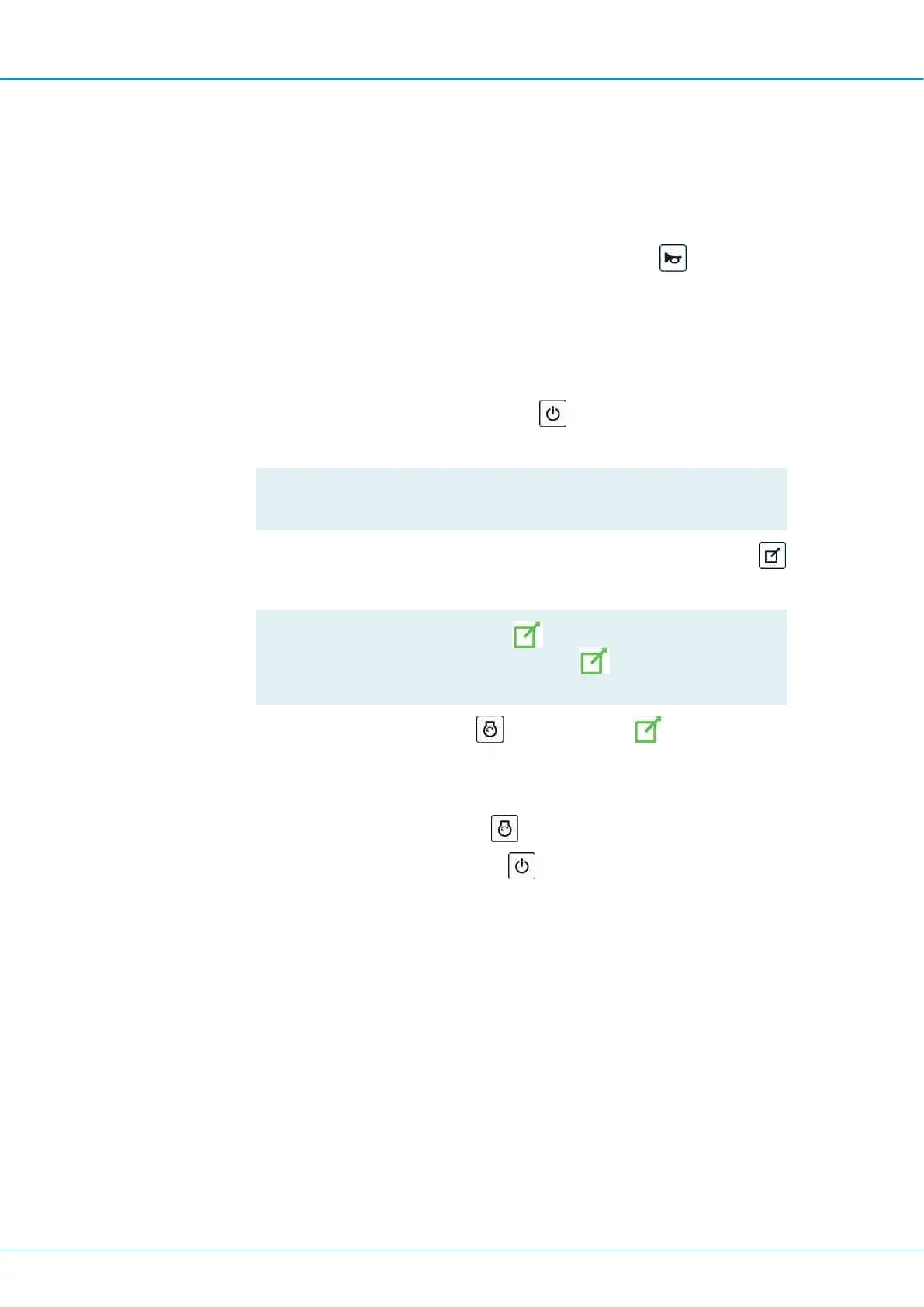
The remote control has a timeout function. When the remote control has not been activated
for 15 seconds the levers become inactive. Reset with the horn button
, Enter key or
by changing mode with the switch.
3.5.18 Using Start-Up Function
Precondition
p
The switch on the remote control must be in the Winch/Remote control position to en-
able start-up of the remote control.
1.
Start the remote control by holding the button
pushed until the display is
switched on.
!
NOTE: The levers must be in start position when the radio box is
started.
2.
Transfer control to the remote control by pushing button rig/remote control switch
.
!
NOTE: The indicator lamp
flashes before the remote control
has taken control. The indicator lamp
comes on when the re-
mote control has taken control.
3.
Start the engine by pressing button
. The indicator lamp comes on.
3.5.19 Stopping System
1.
Switch off the diesel engine by button
.
2.
Switch off the remote control with button
.
3.
Switch off the CAN system with the key.
3.5.20 Stop Drilling/Rotation
The following functions for stopping drilling/rotation are unique on the remote control. Move
the right-hand multi-function lever to sector (B) to stop drilling/rotation.


 To Next Page
 Loading...