NAME (directory)100
Generating new entries in the directory
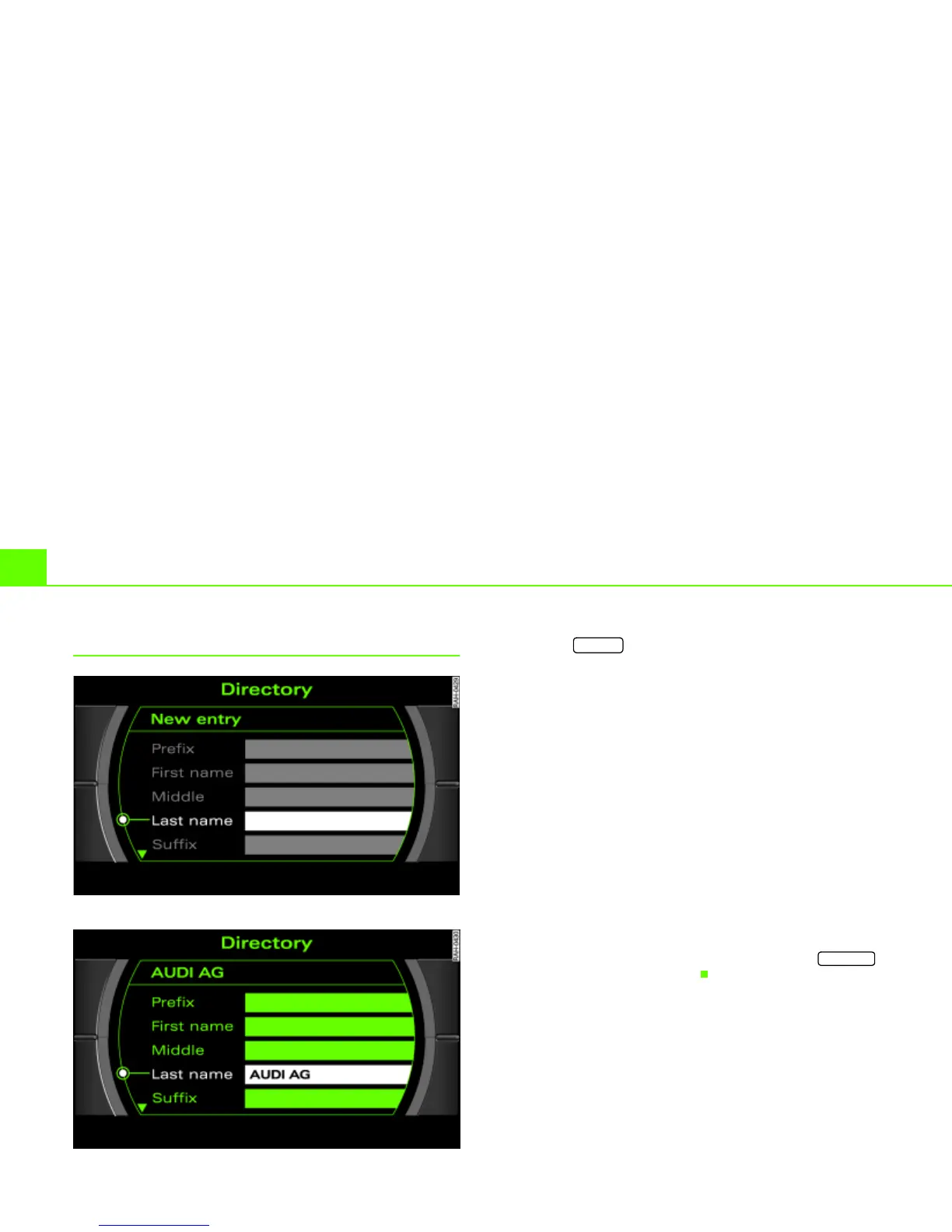
Fig. 102 Directory: Enter name for a new entry
Fig. 103 Directory: Name entered, remaining data fields can be completed
– Press the function button Þ page 16 if another
menu is currently being displayed.
– Select New entry.
– Select Last name Þ fig. 102 and enter a name using the
speller Þ page 30.
– Select OK in the speller to confirm your entry.
– Select additional data fields to enter the desired data
Þ fig. 103.
First, a name has to be entered. All other data fields are “greyed out”
and cannot be selected
Þ fig. 102. After you have entered a name,
you can enter the remaining data.
By selecting a data field, a speller is automatically activated
Þ page 30 which allows letters and numerals to be entered.
The entires in the directory are saved automatically.
When you have created a directory card and you press the
button, you can start the next entry.
NAME
RETURN



 To Next Page