RADIO 65
General operation RADIO, CD NAME, TEL NAV, INFO CAR, SETUP
Setup Radio (FM/AM range)
Opening and closing Setup
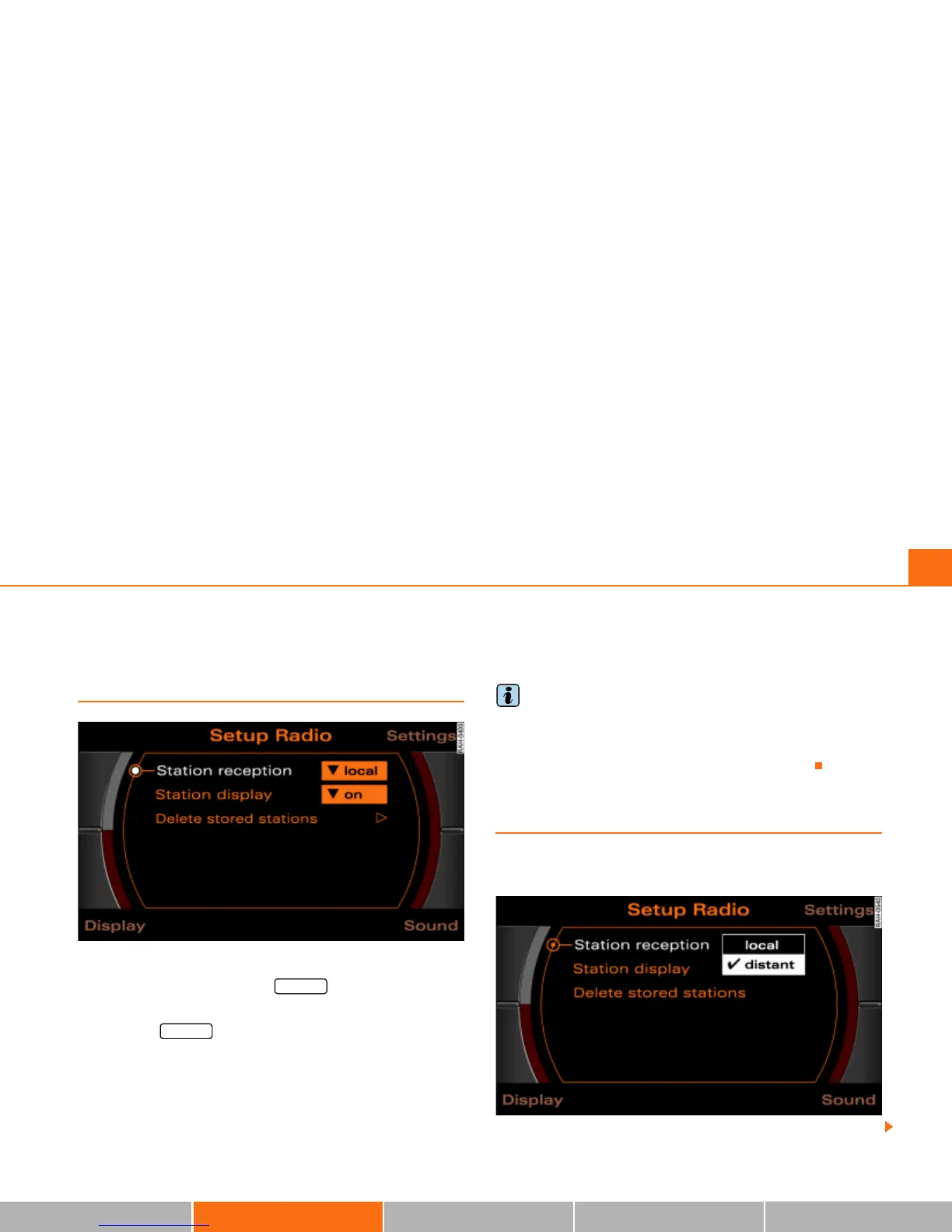
Fig. 64 Setup Radio: Main menu
– In a Radio menu, press the button to open the
main Setup menu for the radio function Þ fig. 64.
– Press the button again to close the main Setup
menu again.
The following settings are possible in Setup Radio:
· Station reception Þ page 65
· Station display Þ page 66
· Delete stored stations Þ page 67
The sound and tuning settings and the brightness of the display can
be entered using the control buttons
Þ page 169.
Tips
We recommend that you enter these settings when the vehicle is
stationary. In this way, you can be sure that you are not unneces-
sarily distracted from traffic when performing the procedures that
follow. Please note
Þ page 9, “Notes on Traffic Safety”.
Station reception (FM/AM range)
The selectivity for the automatic seek function can also
be adjusted.
Fig. 65 Setup Radio: Station reception
SETUP
SETUP



 To Next Page