CD/SD80
CD control button
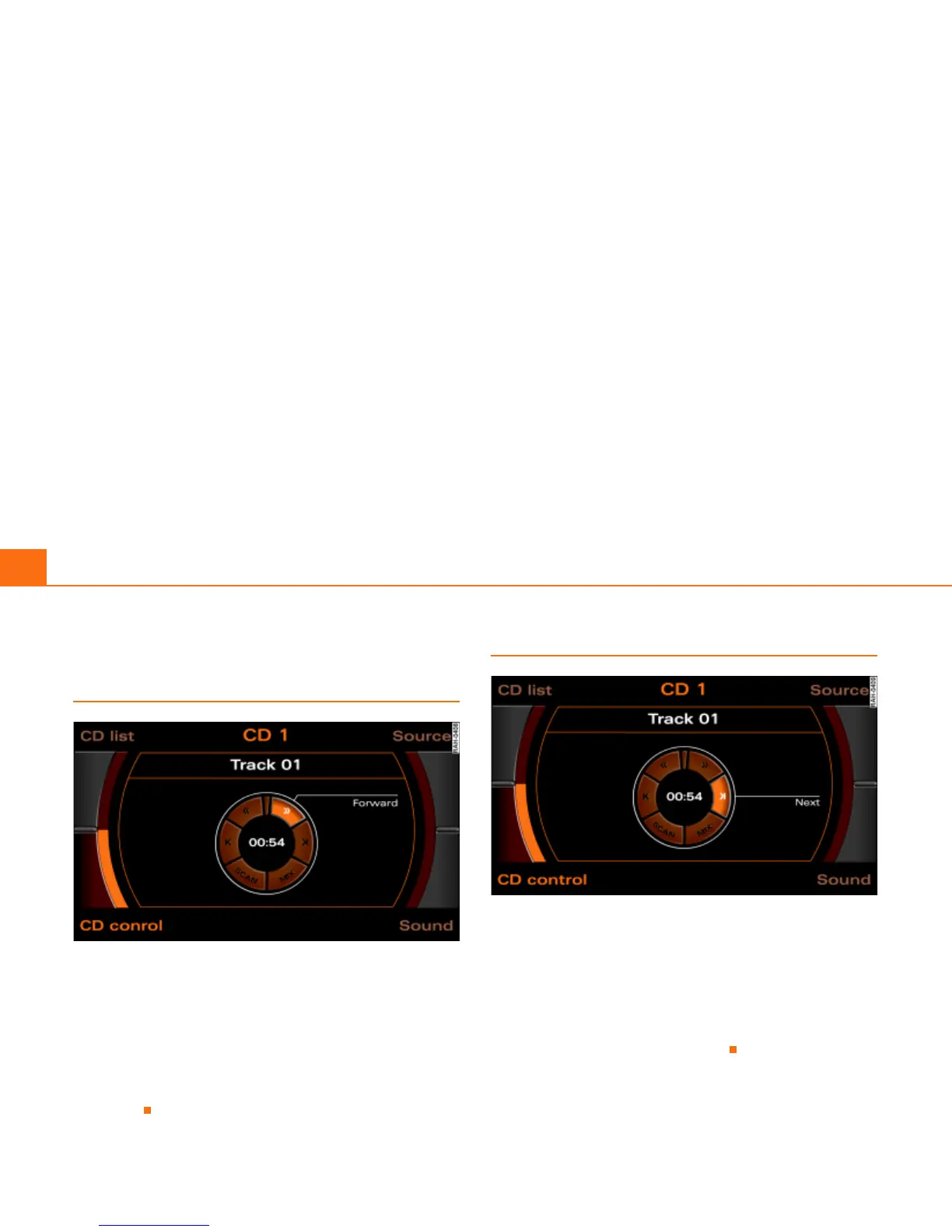
Forward/reverse within the CD track
Fig. 79 CD: Forward within a track
–Press the CD control button in the CD menu.
– Select >> (“Forward”) Þ fig. 79 or << (“Reverse”) by
rotating the control knob.
– Hold down the control knob.
The track advances or reverses for as long as you hold the control
knob down.
CD track next/previous
Fig. 80 CD: Track next
–Press the CD control button in the CD menu.
– Select >| (“Next”) Þ page 85, fig. 87 or |< (“Previous”) by
rotating the control knob.
– Press the control knob.
The next or previous track will be played.



 To Next Page