RADIO 63
General operation RADIO, CD NAME, TEL NAV, INFO CAR, SETUP
Automatic seek mode
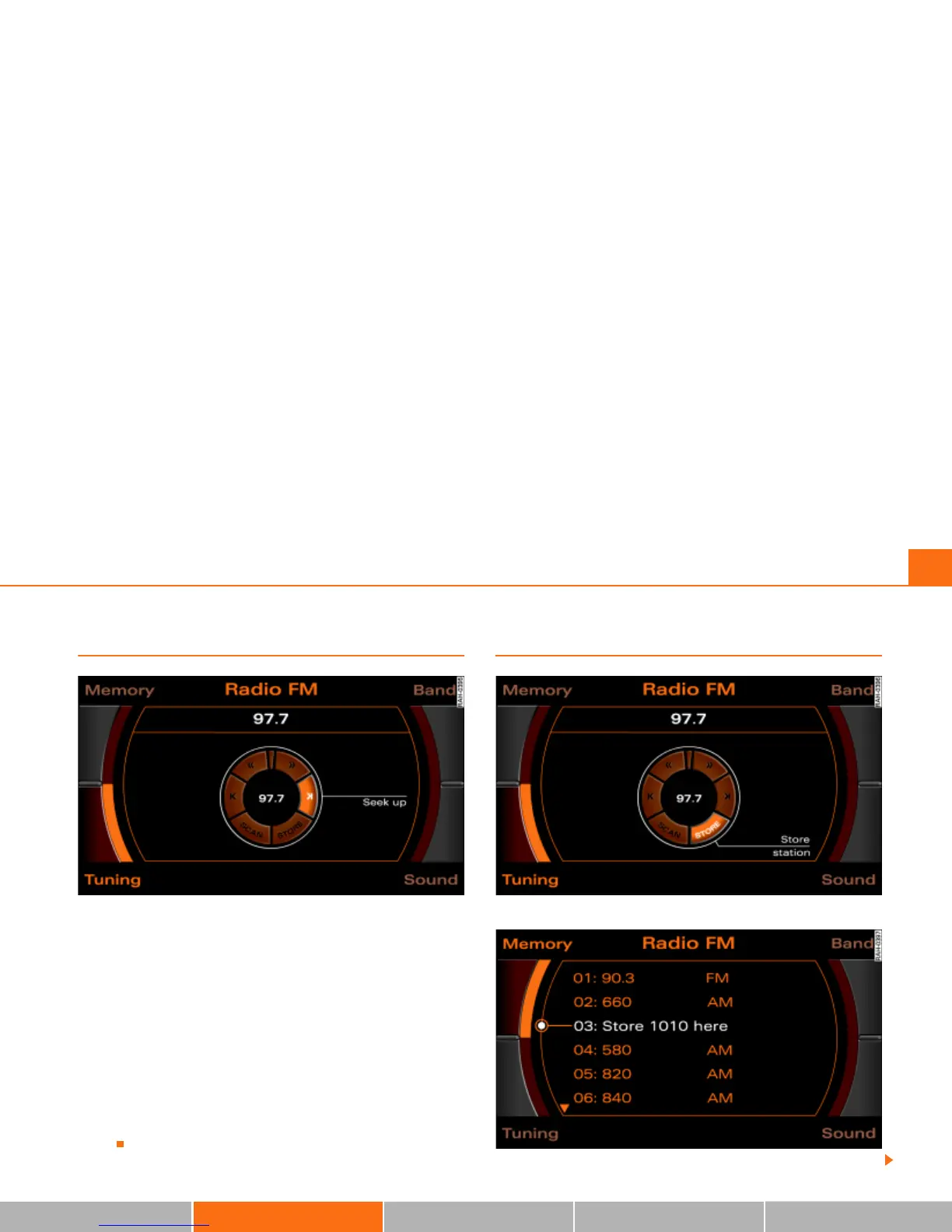
Fig. 60 Radio: Automatic seek mode forward
–Press the Tuning control button in the FM/AM radio
menu.
–Select >| (“Seek up”) Þ fig. 60 or |< (“Seek down”) in the
Display by rotating the control knob.
– Press the control knob to begin automatic frequency
search.
By briefly pressing the control knob, you start automatic seek, which
stops at the next receivable frequency. Since a station often broad-
casts on different frequencies (e.g. “Bayern 3”), the seek stops at
each of the receivable frequencies. So “Bayern 3” is found several
times.
Saving stations (STORE)
Fig. 61 Radio: Store station
Fig. 62 Radio: Saving stations in the memory list



 To Next Page