General system operation 17
General operation RADIO, CD NAME, TEL NAV, INFO CAR, SETUP
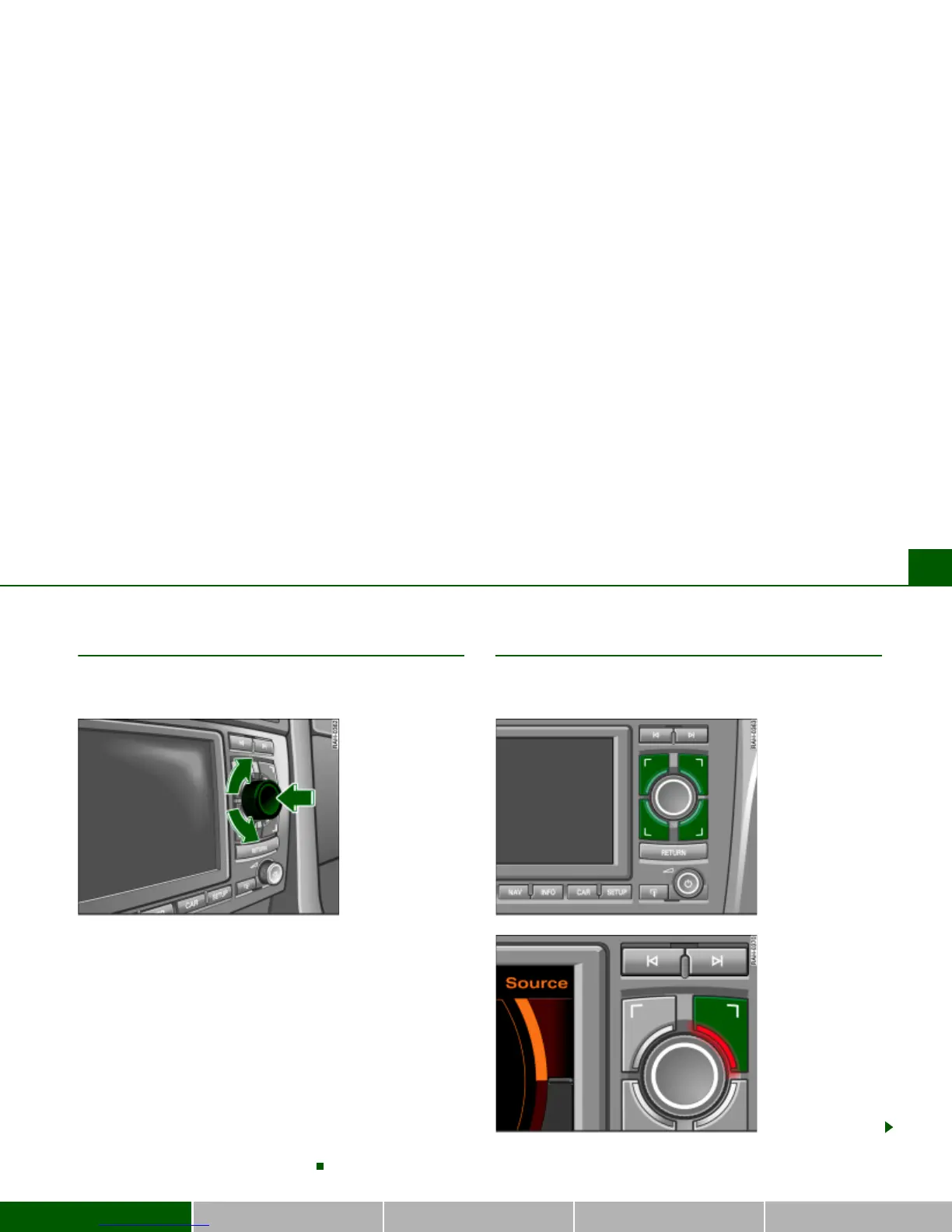
Control knob
You can make a selection in the Display by turning and
pressing the control knob.
Rotation function
– Rotate the control knob Þ fig. 9 to select a menu item in
the Display.
– Rotate the control knob clockwise or counter-clockwise
to move the cursor up or down.
Pressing function
– Press the control knob Þ fig. 9 to confirm the selection
or entry.
If an arrow Þ page 29, fig. 23 is visible in the lower or upper
Display corner, additional menu items can be called up by
continuing to rotate the knob
Þ page 29.
Control buttons
The control buttons are logically assigned to the
corners of the screen.
Fig. 9 Navigation
System: Control knob



 To Next Page